
Change Management
Manage change and major projects in your firm with this streamlined workflow.
401 downloads
Download your free Developing New Processes template to personalize and use in your bookkeeping or accounting firm.
Added and downloaded 607 times
This is Karbon's best practice process for building additional processes for your accounting practice.
Follow the template's steps and various instructions to understand, re-imagine, build and implement a new process in your firm and within Karbon.
The start date is the date the Operations Manager plans to determine the starting point for the process improvement initiative, and the due date is 30 days later.
Learn more about reviewing and improving your process management and how to build consistent processes in Karbon.
To arrange a dedicated training session, you can reach out to Karbon Academy at cpe@karbonhq.com.
Get more out of this template by adding it to your Karbon Practice Management cloud-based software, including:
Alternatively, you can
.You can edit any saved template to fit your firm's specific needs. Before making changes, duplicate a pre-populated template by selecting it, clicking the "..." menu, and choosing Duplicate.
Common customizations:
Read the support article to learn more.
Karbon is an AI-powered practice management platform for accounting firms, designed to streamline operations and support scalable growth.
Trusted by nearly 3,000 firms, Karbon boosts productivity by an average of 18% by uniting teams, clients, work, billing, and reporting in one place. With 30+ integrations and an open API, it’s fully customizable.
Learn more at karbonhq.com or book a demo to see how Karbon can help your firm grow.
Other workflow templates you might find useful.
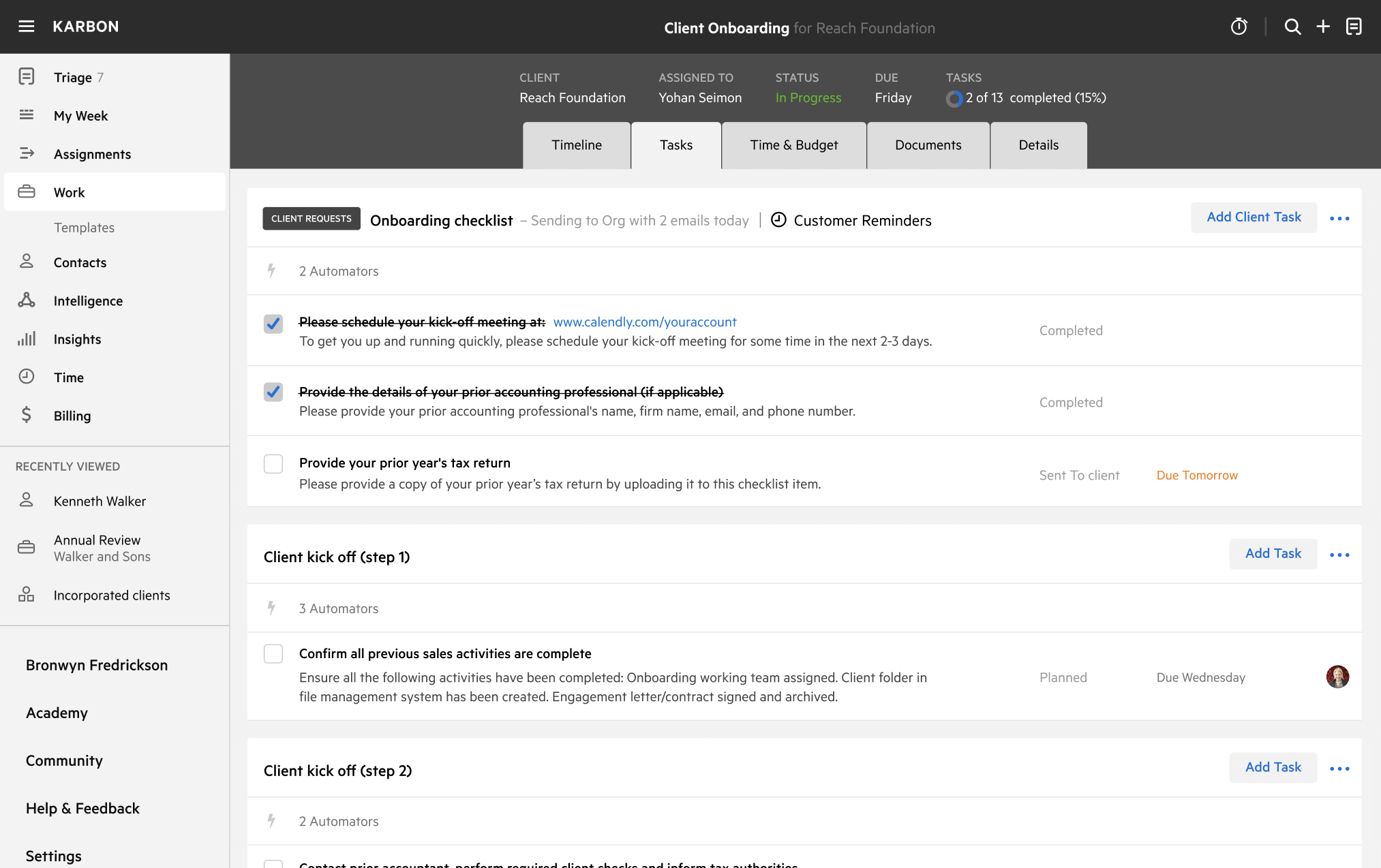
Manage change and major projects in your firm with this streamlined workflow.
Evaluate the technology available to your accounting practice and clients to identify the best solutions.