Get started with Karbon

It looks like our demo booking platform didn't load properly. If you're running an adblocker, please disable it and refresh the page. If you're still having trouble, please contact us.

Taxable Payments Annual Report (TPAR) Template

Download your free Taxable Payments Annual Report (TPAR) template to personalize and use in your bookkeeping or accounting firm.

Sign In to Add to Karbon

Download Taxable Payments Annual Report (TPAR) Template

Added and downloaded 9 times

A preview of the templateTaxable Payments Annual Report (TPAR) - AU CoreReady to Start2 AutomatorsBank accounts are reconciled to at least June 30CompletedDRun the TPAR report in your accounting software and check for missing details (e.g. legal name, ABN and address)CompletedCNIL Lodgement (if applicable)CompletedTPrep3 AutomatorsPrepare the TPARCompletedJValidate that the subcontractor total amount reported on TPAR reconciles to the subcontractor total reported in the P&L.CompletedCEmail client with validated TPAR report and seek their approval to proceed with lodgementReady To StartDue TodayG

About this template

This template guides you through the process of completing the Australian Taxable Payments Annual Report (TPAR) for clients.

The workflow includes tasks for identifying applicable clients, sending Client Requests to collect subcontractor data, preparing the report, reviewing internally, lodging with the ATO, and confirming completion.

Work is assigned and progresses between preparer and reviewer roles, with built-in automators ensuring smooth handover between stages.

This template is fully customisable to suit your firm’s preferred process and internal roles.

This template is part of the Australian Core Collection. Core templates are simplified versions of existing templates. They are scaled back, medium-complexity templates, with a limited use of Client Requests, and a streamlined number of sections and tasks. They are designed to help you quickly get you started with, and derive value from, Karbon templates.

How to use this template

Add this template to Karbon

Get more out of this template by adding it to your Karbon Practice Management cloud-based software, including:

  • Time and Budget Estimates
  • Task Automation
  • Client Task Automation
  • Client Work Scheduling
Sign In to Add to Karbon

Karbon Practice Management

A preview of the templateTaxable Payments Annual Report (TPAR) - AU CoreReady to Start2 AutomatorsBank accounts are reconciled to at least June 30CompletedDRun the TPAR report in your accounting software and check for missing details (e.g. legal name, ABN and address)CompletedVNIL Lodgement (if applicable)CompletedHPrep3 AutomatorsPrepare the TPARCompletedVValidate that the subcontractor total amount reported on TPAR reconciles to the subcontractor total reported in the P&L.CompletedFEmail client with validated TPAR report and seek their approval to proceed with lodgementReady To StartDue TodayR

Not currently a Karbon customer?

Discover Karbon

How to customize a template

You can edit any saved template to fit your firm's specific needs. Before making changes, duplicate a pre-populated template by selecting it, clicking the "..." menu, and choosing Duplicate.

Common customizations:

  • Reorder or nest tasks
  • Add or remove tasks
  • Edit the client task email
  • Use or modify Tasklist automators

Read the support article to learn more.

About Karbon

Karbon is an AI-powered practice management platform for accounting firms, designed to streamline operations and support scalable growth.

Trusted by nearly 3,000 firms, Karbon boosts productivity by an average of 18% by uniting teams, clients, work, billing, and reporting in one place. With 30+ integrations and an open API, it’s fully customizable.

Learn more at karbonhq.com or book a demo to see how Karbon can help your firm grow.

Practice Management
Built for Growth

Get the most out of workflow templates by applying them in Karbon for automation, app integrations, and team collaboration.

Discover Karbon
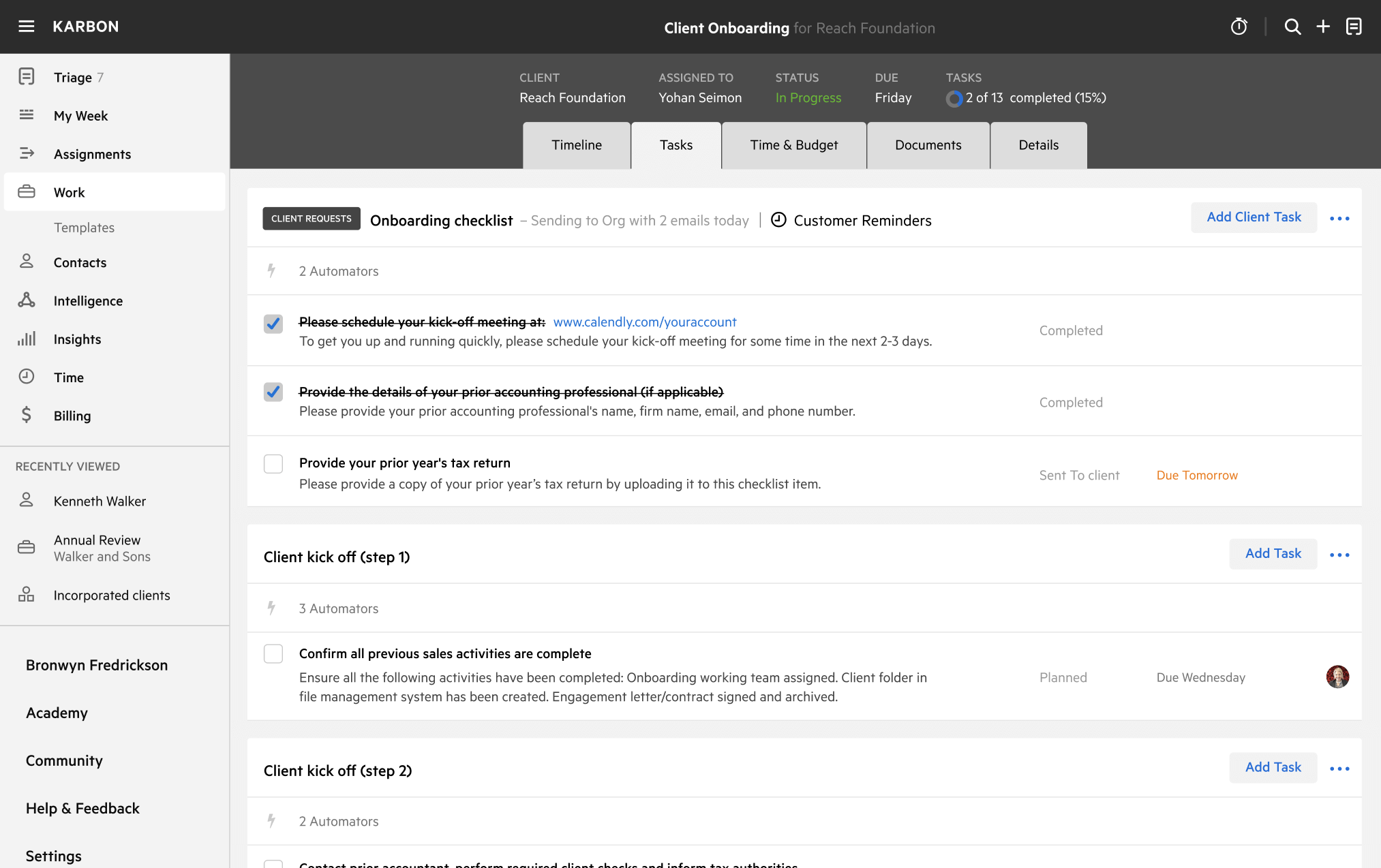
A work template dashboard in Karbon displaying a client onboarding checklist.