Get started with Karbon

It looks like our demo booking platform didn't load properly. If you're running an adblocker, please disable it and refresh the page. If you're still having trouble, please contact us.

Professional Clearance (Individual) Template

Download your free Professional Clearance (Individual) template to personalize and use in your bookkeeping or accounting firm.

Sign In to Add to Karbon

Download Professional Clearance (Individual) Template

Added and downloaded 46 times

A preview of the template showing sections of tasks to be completed. Some are already checked offProfessional Clearance - Individual (United Kingdom)Amend and send client request2 AutomatorsAmend and send client request belowCompletedMCLIENT TASKSProfessional clearance 1 AutomatorPlease find this letter attached confirming authorisation for release of the information held in this checklistCompletedZThe clients tax file or the last 6 years income tax returns and schedules, including all computations, and claims.CompletedUClient Unique Taxpayer ReferenceCompletedJDetails of any arrangements with the taxation authorities.CompletedYTransfer of any accounting software subscriptions such as Xero, QuickBooks Online, Dext or access to them to allow usReady To StartDue TodayR

About this template

This template is designed for process of completing professional clearance for individuals.

The work goes through the following stages:

  • Send client requests
  • Waiting for info
  • Review
  • File
  • Completed

The roles involved in completing the work are: Onboarding Specialist.

Work stages and roles are both customisable.

The template includes best practice automation to ensure it is clear:

  • Which tasks are ready to be worked on (i.e. task status)
  • What the status of work is at any time (so you can get real-time work dashboards)
  • Who is responsible for the work and tasks
  • The priority of work and tasks

The start date for the work is the date of the signed engagement letter. The due date of the work is 14 days later. The initial work assignee is the Onboarding Specialist.

How to use this template

Add this template to Karbon

Get more out of this template by adding it to your Karbon Practice Management cloud-based software, including:

  • Time and Budget Estimates
  • Task Automation
  • Client Task Automation
  • Client Work Scheduling
Sign In to Add to Karbon

Karbon Practice Management

A preview of the template showing sections of tasks to be completed. Some are already checked offProfessional Clearance - Individual (United Kingdom)Amend and send client request2 AutomatorsAmend and send client request belowCompletedDCLIENT TASKSProfessional clearance 1 AutomatorPlease find this letter attached confirming authorisation for release of the information held in this checklistCompletedUThe clients tax file or the last 6 years income tax returns and schedules, including all computations, and claims.CompletedTClient Unique Taxpayer ReferenceCompletedXDetails of any arrangements with the taxation authorities.CompletedQTransfer of any accounting software subscriptions such as Xero, QuickBooks Online, Dext or access to them to allow usReady To StartDue TodayX

Not currently a Karbon customer?

Discover Karbon

How to customize a template

You can edit any saved template to fit your firm's specific needs. Before making changes, duplicate a pre-populated template by selecting it, clicking the "..." menu, and choosing Duplicate.

Common customizations:

  • Reorder or nest tasks
  • Add or remove tasks
  • Edit the client task email
  • Use or modify Tasklist automators

Read the support article to learn more.

About Karbon

Karbon is an AI-powered practice management platform for accounting firms, designed to streamline operations and support scalable growth.

Trusted by nearly 3,000 firms, Karbon boosts productivity by an average of 18% by uniting teams, clients, work, billing, and reporting in one place. With 30+ integrations and an open API, it’s fully customizable.

Learn more at karbonhq.com or book a demo to see how Karbon can help your firm grow.

Practice Management
Built for Growth

Get the most out of workflow templates by applying them in Karbon for automation, app integrations, and team collaboration.

Discover Karbon
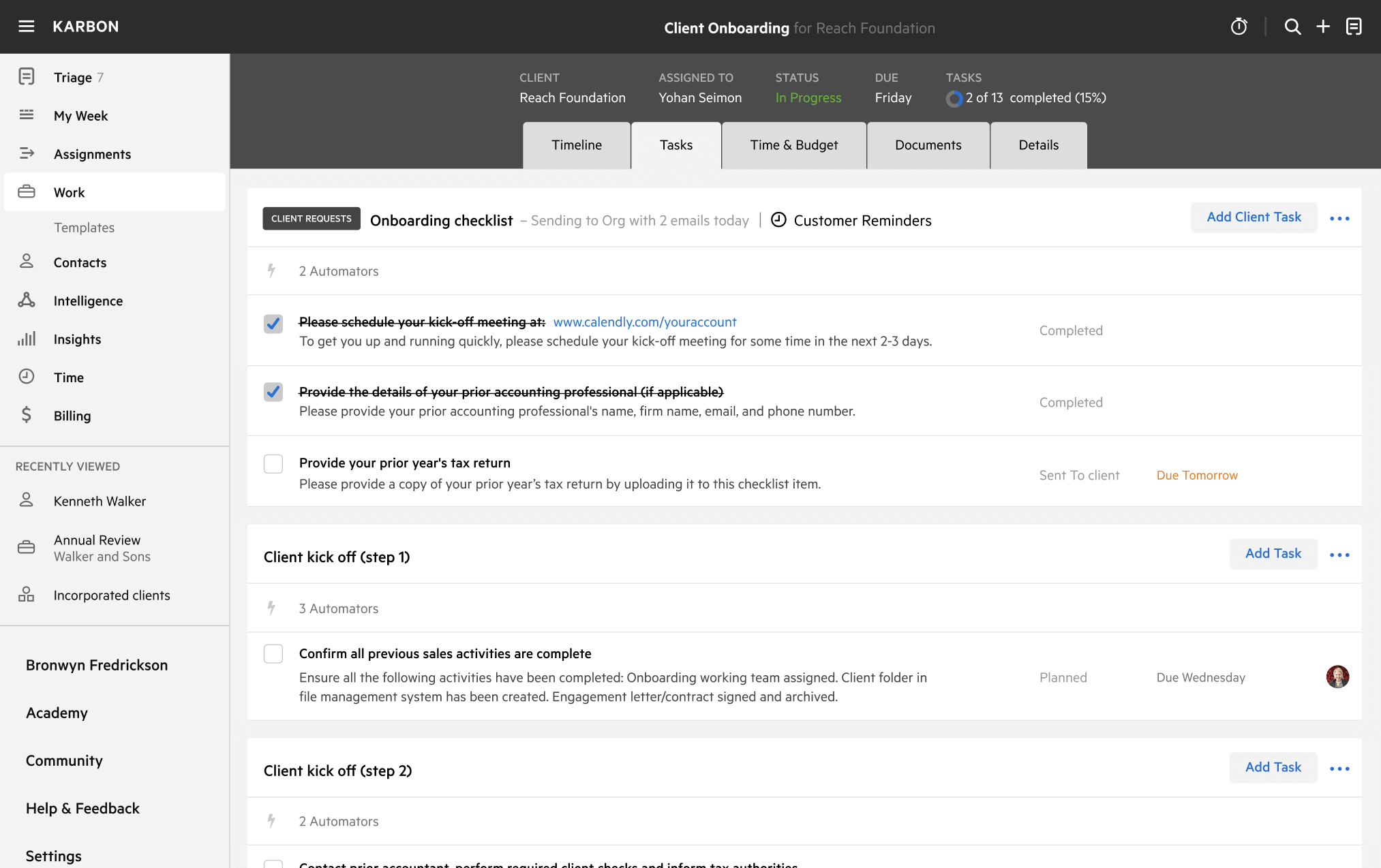
A work template dashboard in Karbon displaying a client onboarding checklist.