New Company Incorporation Template
Download your free New Company Incorporation template to personalize and use in your bookkeeping or accounting firm.
Added and downloaded 94 times
About this template
This the Karbon best practice work template to set up a new company for your clients based in New Zealand.
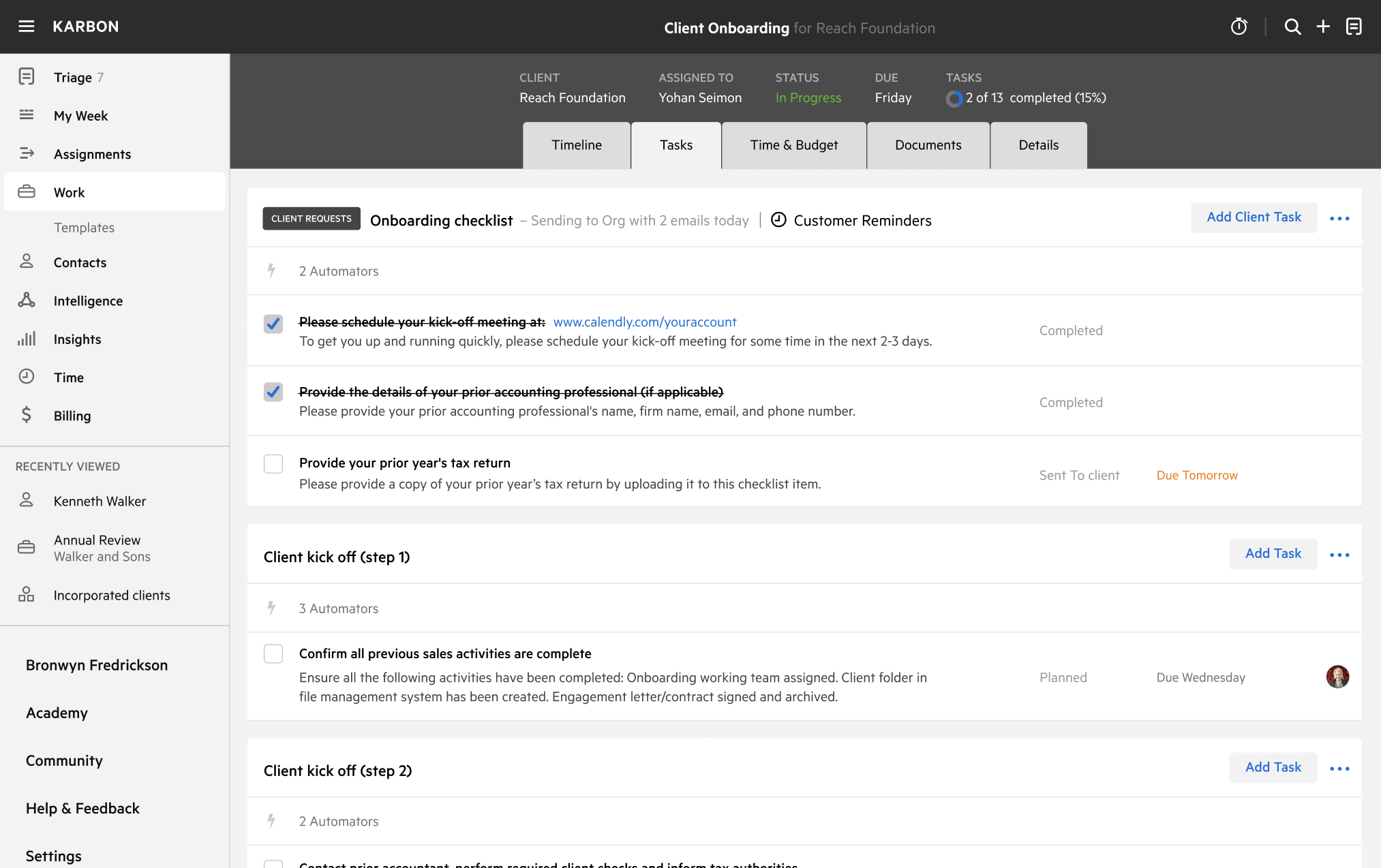
The workflow begins with an automatic client task requesting the initial new entity details and background to complete the setup.
To create a work template for a new trust, you can duplicate this template and update the first set of client tasks to request:
- Trust name
- Trustee list (and details)
- Primary beneficiaries (and details)
- Appointer
How to use this template
Add this template to Karbon
Get more out of this template by adding it to your Karbon Practice Management cloud-based software, including:
- Time and Budget Estimates
- Task Automation
- Client Task Automation
- Client Work Scheduling
Alternatively, you can