MTD IT Client Onboarding Template
Download your free MTD IT Client Onboarding template to personalise and use in your bookkeeping or accounting firm.
Added and downloaded 37 times
About this template
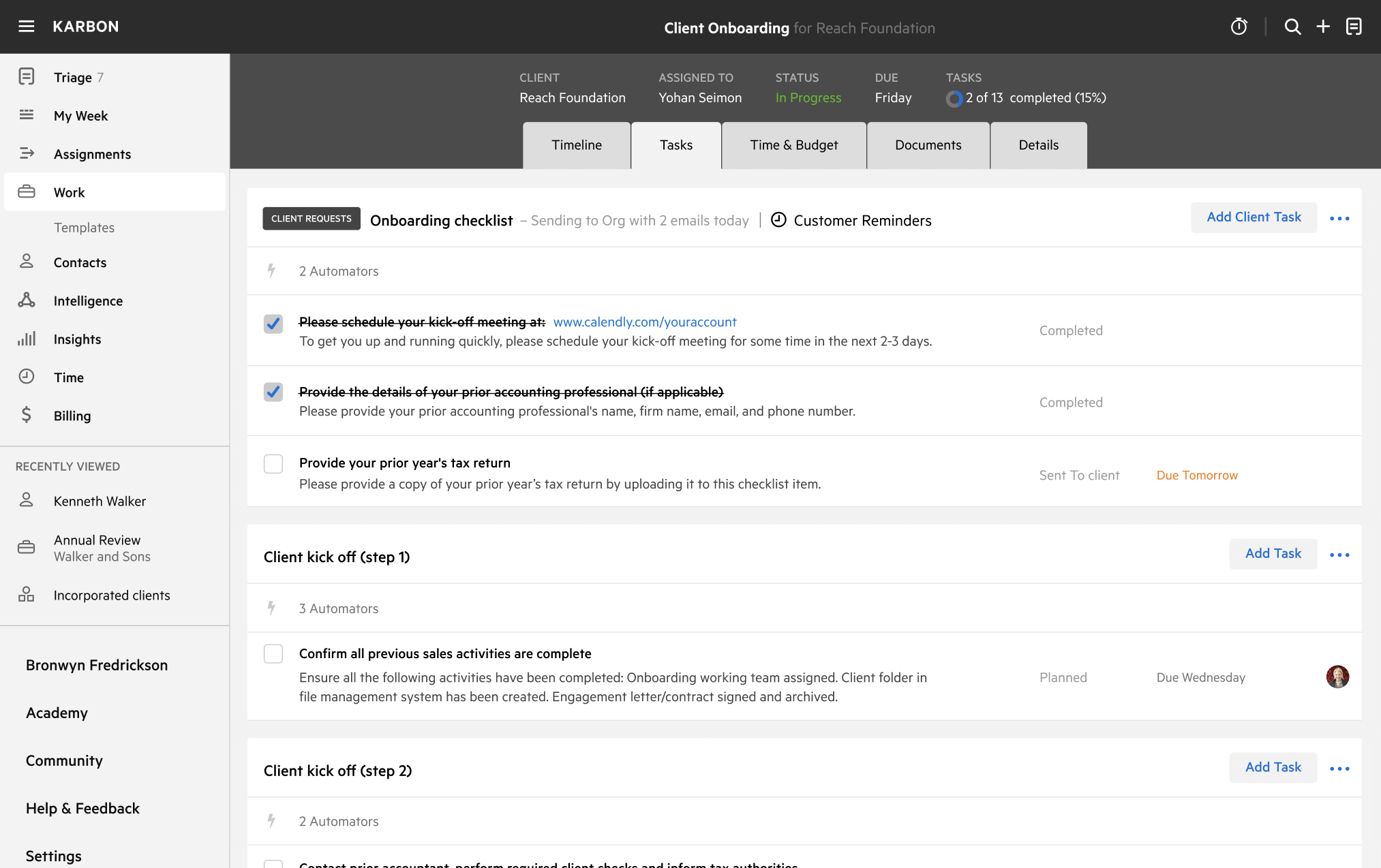
This template outlines the onboarding process for new MTD (Making Tax Digital) clients.
It includes stages for internal setup, information gathering, software connection, and communication with the client.
Key tasks involve requesting agent authorisation, confirming software compatibility, and setting clients up in internal systems.
The template assigns responsibility across roles such as Bookkeeper, Client Manager, and Onboarding Team. Work progresses through structured stages and includes Client Requests for needed information.
All task lists, roles, and timelines are fully customisable to suit your firm’s processes.
How to use this template
Add this template to Karbon
Get more out of this template by adding it to your Karbon Practice Management cloud-based software, including:
- Time and Budget Estimates
- Task Automation
- Client Task Automation
- Client Work Scheduling
Alternatively, you can
.
How to customize a template
You can edit any saved template to fit your firm's specific needs. Before making changes, duplicate a pre-populated template by selecting it, clicking the "..." menu, and choosing Duplicate.
Common customizations:
- Reorder or nest tasks
- Add or remove tasks
- Edit the client task email
- Use or modify Tasklist automators
Read the support article to learn more.
About Karbon
Karbon is an AI-powered practice management platform for accounting firms, designed to streamline operations and support scalable growth.
Trusted by nearly 3,000 firms, Karbon boosts productivity by an average of 18% by uniting teams, clients, work, billing, and reporting in one place. With 30+ integrations and an open API, it’s fully customizable.
Learn more at karbonhq.com or book a demo to see how Karbon can help your firm grow.