
Client Onboarding
Streamline client onboarding with these internal tasks, client requirements, and client email templates.
13,373 downloads
Download your free Lead management template to personalize and use in your bookkeeping or accounting firm.
Added and downloaded 3342 times
A well-planned process to manage your prospective clients is the best way to maximize the conversions of leads and turning them into clients. This is the process used by London accounting firm, Ask The Boss, to manage their leads.
Ask The Boss are experts in accounting and financial matters assisting all manner of London businesses. They're a paperless firm who utilize new technologies to be more efficient and transparent.
Some of the systems they use include Karbon for practice management, Xero for accounting, Dext for expense management, and Dropbox for document management.
Some steps in this process are specific to UK accounting requirements and the systems used at Ask The Boss. However, this is a great example of a detailed and effective onboarding process that involves several team members. It's a perfect base that your firm can adapt to suit your own systems and local regulations.
This process is one of three provided by Ask The Boss, which all relate to their customer journey. You can also check out how they onboard their clients (once they reach the end of this lead management process), and how they offboard their clients at the end of their relationship.
Get more out of this template by adding it to your Karbon Practice Management cloud-based software, including:
Alternatively, you can
.You can edit any saved template to fit your firm's specific needs. Before making changes, duplicate a pre-populated template by selecting it, clicking the "..." menu, and choosing Duplicate.
Common customizations:
Read the support article to learn more.
We are experts in accounting and financial matters assisting all manner of London businesses. Straight talkers explaining things in plain English, we relish the jobs you hate. We'll explain to you exactly what needs to be done as well as help you do it!
Making sure your cash flow is accurate and controlled, making sure you comply with the relevant rules & regulations, submitting all your returns on time and giving you advice on reducing tax and increasing profit – these are just some of the things we can help with.
Other workflow templates you might find useful.
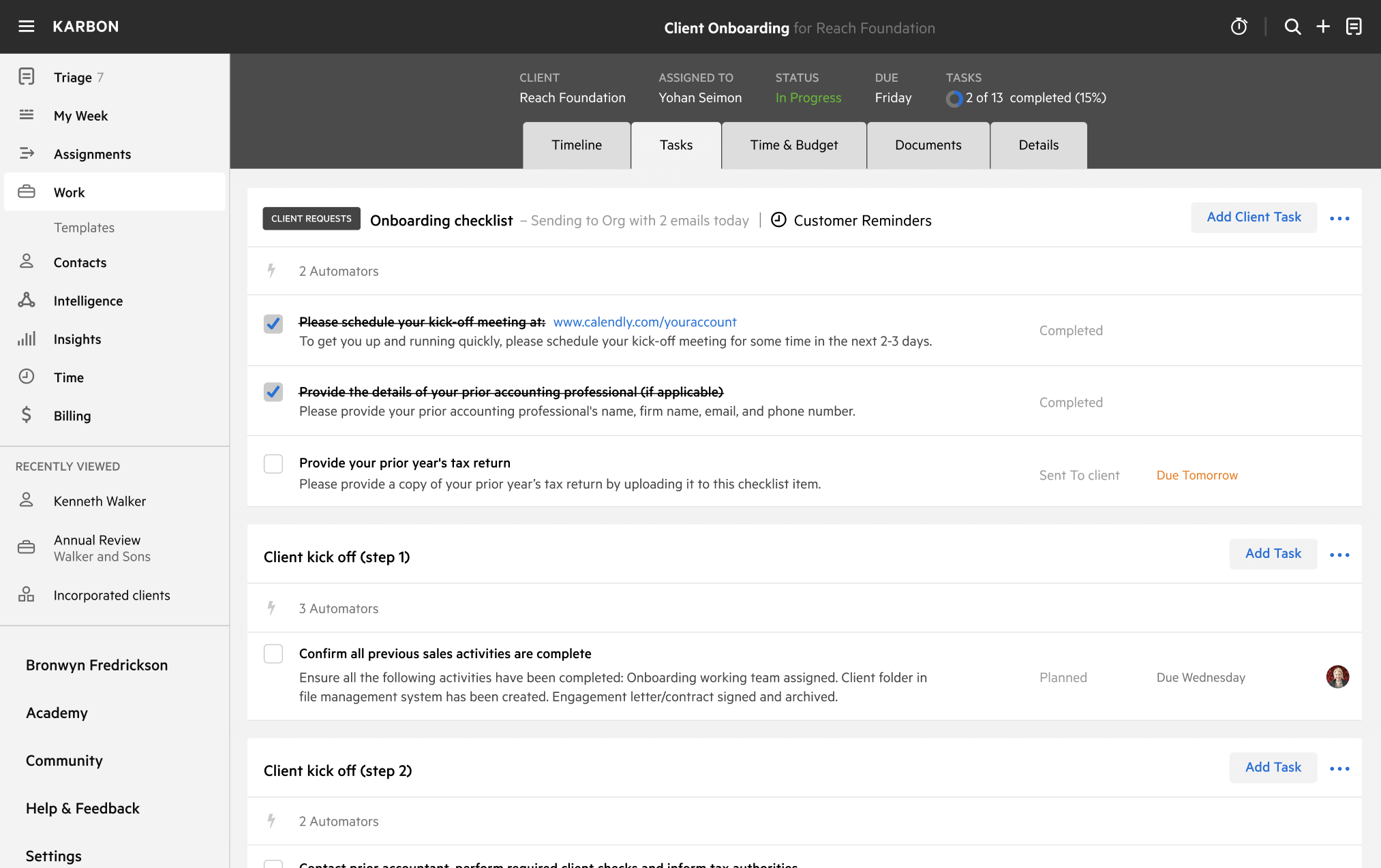
Streamline client onboarding with these internal tasks, client requirements, and client email templates.