
Form 1099 Tracking in Intuit QuickBooks
Created by Intuit
Process and track the 1099 forms for your clients using QuickBooks Online.
359 downloads
Download your free Form 1099 Tracking template to personalize and use in your bookkeeping or accounting firm.
Added and downloaded 1297 times
United States accounting practices are required to track 1099 Forms that report the incomes of their clients. This is the best practice process for processing 1099s, which will assist your firm to keep track of these forms for your clients.
The detailed steps covered include client engagement, preparation, processing, information requests to clients and follow-up.
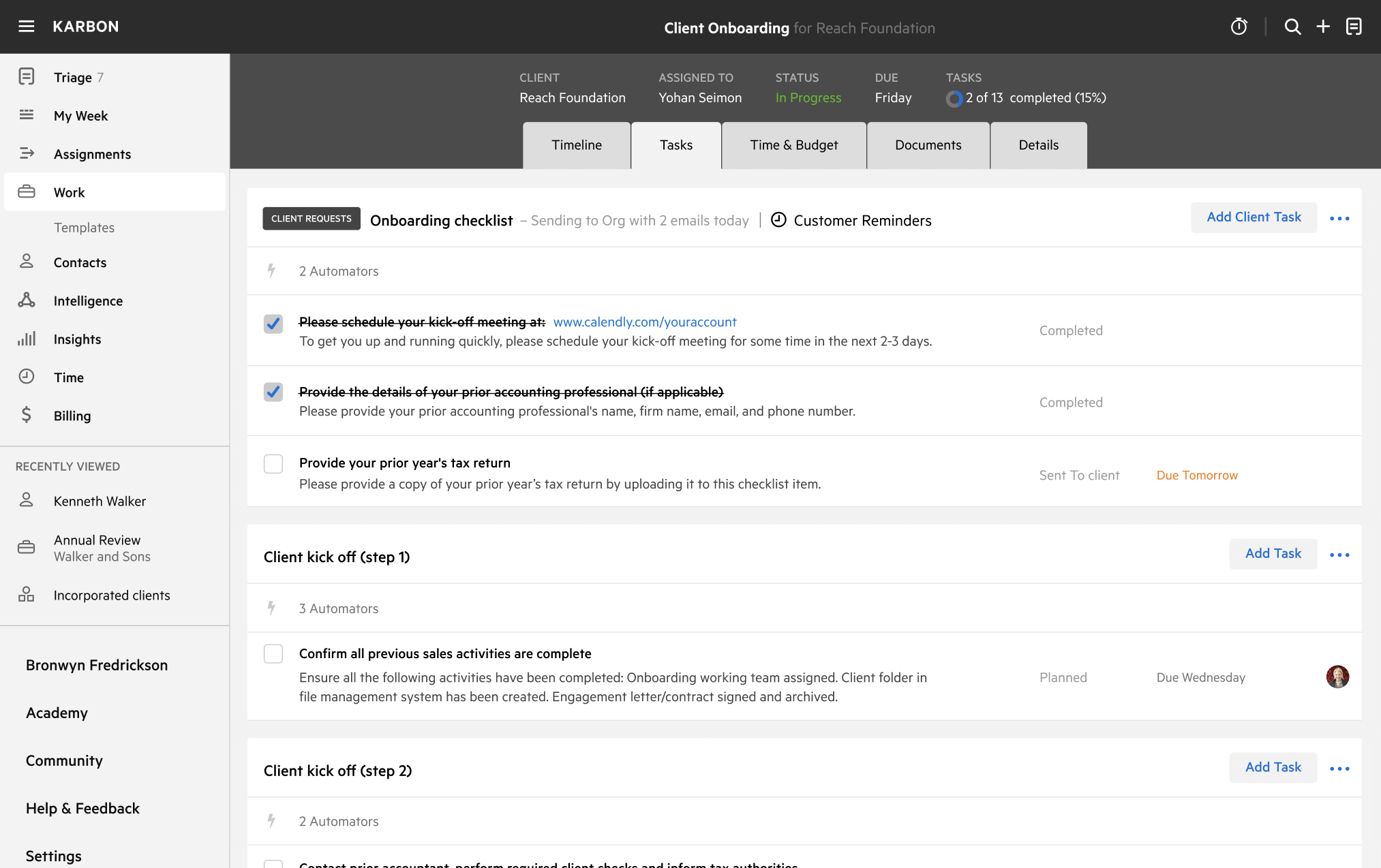
Get more out of this template by adding it to your Karbon Practice Management cloud-based software, including:
Alternatively, you can
.You can edit any saved template to fit your firm's specific needs. Before making changes, duplicate a pre-populated template by selecting it, clicking the "..." menu, and choosing Duplicate.
Common customizations:
Read the support article to learn more.
Karbon is an AI-powered practice management platform for accounting firms, designed to streamline operations and support scalable growth.
Trusted by nearly 3,000 firms, Karbon boosts productivity by an average of 18% by uniting teams, clients, work, billing, and reporting in one place. With 30+ integrations and an open API, it’s fully customizable.
Learn more at karbonhq.com or book a demo to see how Karbon can help your firm grow.
Other workflow templates you might find useful.
Created by Intuit
Process and track the 1099 forms for your clients using QuickBooks Online.