Get started with Karbon

It looks like our demo booking platform didn't load properly. If you're running an adblocker, please disable it and refresh the page. If you're still having trouble, please contact us.

Confirmation Statement Template

Download your free Confirmation Statement template to personalize and use in your bookkeeping or accounting firm.

Sign In to Add to Karbon

Download Confirmation Statement Template

Added and downloaded 86 times

A preview of the templateConfirmation Statement (United Kingdom)Prep3 AutomatorsPrep confirmation statement work (download, compare, draft forms, assemble and request signature)CompletedHSend to client for review and approvalCompletedKCLIENT TASKSPlease review and approve your confirmation statement for filing 1 AutomatorPlease see attached your confirmation statement for filing. Comment to indicate your approval for finding or notify uCompletedJWait for Signature2 Automators

About this template

This template is designed to provide you with a streamlined workflow for your clients' annual confirmation statement obligation.

Use it to prepare, draft and upload the confirmation statement in 9 days (barring client slow down or internal issues).

How to use this template

Add this template to Karbon

Get more out of this template by adding it to your Karbon Practice Management cloud-based software, including:

  • Time and Budget Estimates
  • Task Automation
  • Client Task Automation
  • Client Work Scheduling
Sign In to Add to Karbon

Karbon Practice Management

A preview of the templateConfirmation Statement (United Kingdom)Prep3 AutomatorsPrep confirmation statement work (download, compare, draft forms, assemble and request signature)CompletedFSend to client for review and approvalCompletedTCLIENT TASKSPlease review and approve your confirmation statement for filing 1 AutomatorPlease see attached your confirmation statement for filing. Comment to indicate your approval for finding or notify uCompletedFWait for Signature2 Automators

Not currently a Karbon customer?

Discover Karbon

How to customize a template

You can edit any saved template to fit your firm's specific needs. Before making changes, duplicate a pre-populated template by selecting it, clicking the "..." menu, and choosing Duplicate.

Common customizations:

  • Reorder or nest tasks
  • Add or remove tasks
  • Edit the client task email
  • Use or modify Tasklist automators

Read the support article to learn more.

About Karbon

Karbon is an AI-powered practice management platform for accounting firms, designed to streamline operations and support scalable growth.

Trusted by nearly 3,000 firms, Karbon boosts productivity by an average of 18% by uniting teams, clients, work, billing, and reporting in one place. With 30+ integrations and an open API, it’s fully customizable.

Learn more at karbonhq.com or book a demo to see how Karbon can help your firm grow.
Practice Management
Built for Growth

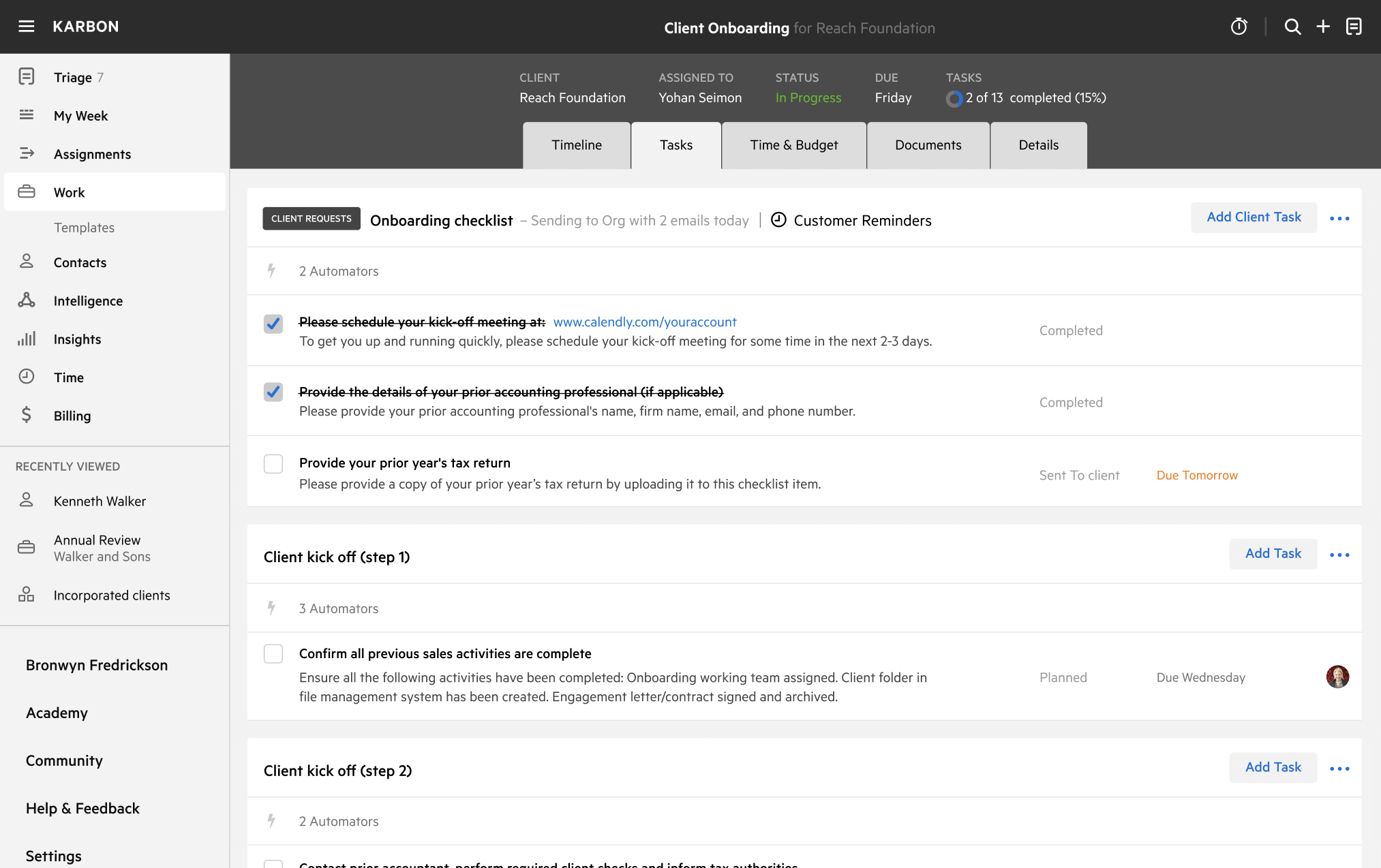
Get the most out of workflow templates by applying them in Karbon for automation, app integrations, and team collaboration.

Discover Karbon
A work template dashboard in Karbon displaying a client onboarding checklist.