Get started with Karbon

It looks like our demo booking platform didn't load properly. If you're running an adblocker, please disable it and refresh the page. If you're still having trouble, please contact us.

T4 Processing Template

Download your free T4 Processing template to personalize and use in your bookkeeping or accounting firm.

Sign In to Add to Karbon

Download T4 Processing Template

Added and downloaded 12 times

A preview of the templateT4 Processing - CA CorePrep4 AutomatorsValidate all payroll is completed for the previous calendar yearCompletedEPrepare T4's and T4 SummaryCompletedXReview5 AutomatorsReview T4's for accuracyCompletedMProcess5 Automators

About this template

This template outlines the core workflow for preparing and filing T4 slips and summaries in Canada.

The process includes these key stages: Collect Info, Prep, Review, Approve, File, Send to Client, and Confirm Filing.

Tasks guide the team through collecting payroll data, preparing slips, internal review, client approval, filing with the CRA, and providing copies to the client. Work is assigned across Preparer and Reviewer roles, with automators used to move work forward efficiently.

This template supports a structured and compliant T4 processing workflow for year-end payroll reporting.

This template is part of the Canada Core Collection. Core templates are simplified versions of existing templates. They are scaled back, medium-complexity templates, with a limited use of Client Requests, and a streamlined number of sections and tasks. They are designed to help you quickly get started with, and derive value from, Karbon templates.

How to use this template

Add this template to Karbon

Get more out of this template by adding it to your Karbon Practice Management cloud-based software, including:

  • Time and Budget Estimates
  • Task Automation
  • Client Task Automation
  • Client Work Scheduling
Sign In to Add to Karbon

Karbon Practice Management

A preview of the templateT4 Processing - CA CorePrep4 AutomatorsValidate all payroll is completed for the previous calendar yearCompletedGPrepare T4's and T4 SummaryCompletedZReview5 AutomatorsReview T4's for accuracyCompletedAProcess5 Automators

Not currently a Karbon customer?

Discover Karbon

How to customize a template

You can edit any saved template to fit your firm's specific needs. Before making changes, duplicate a pre-populated template by selecting it, clicking the "..." menu, and choosing Duplicate.

Common customizations:

  • Reorder or nest tasks
  • Add or remove tasks
  • Edit the client task email
  • Use or modify Tasklist automators

Read the support article to learn more.

About Karbon

Karbon is collaborative work management software for accounting firms.

Practice Management
Built for Growth

Get the most out of workflow templates by applying them in Karbon for automation, app integrations, and team collaboration.

Discover Karbon
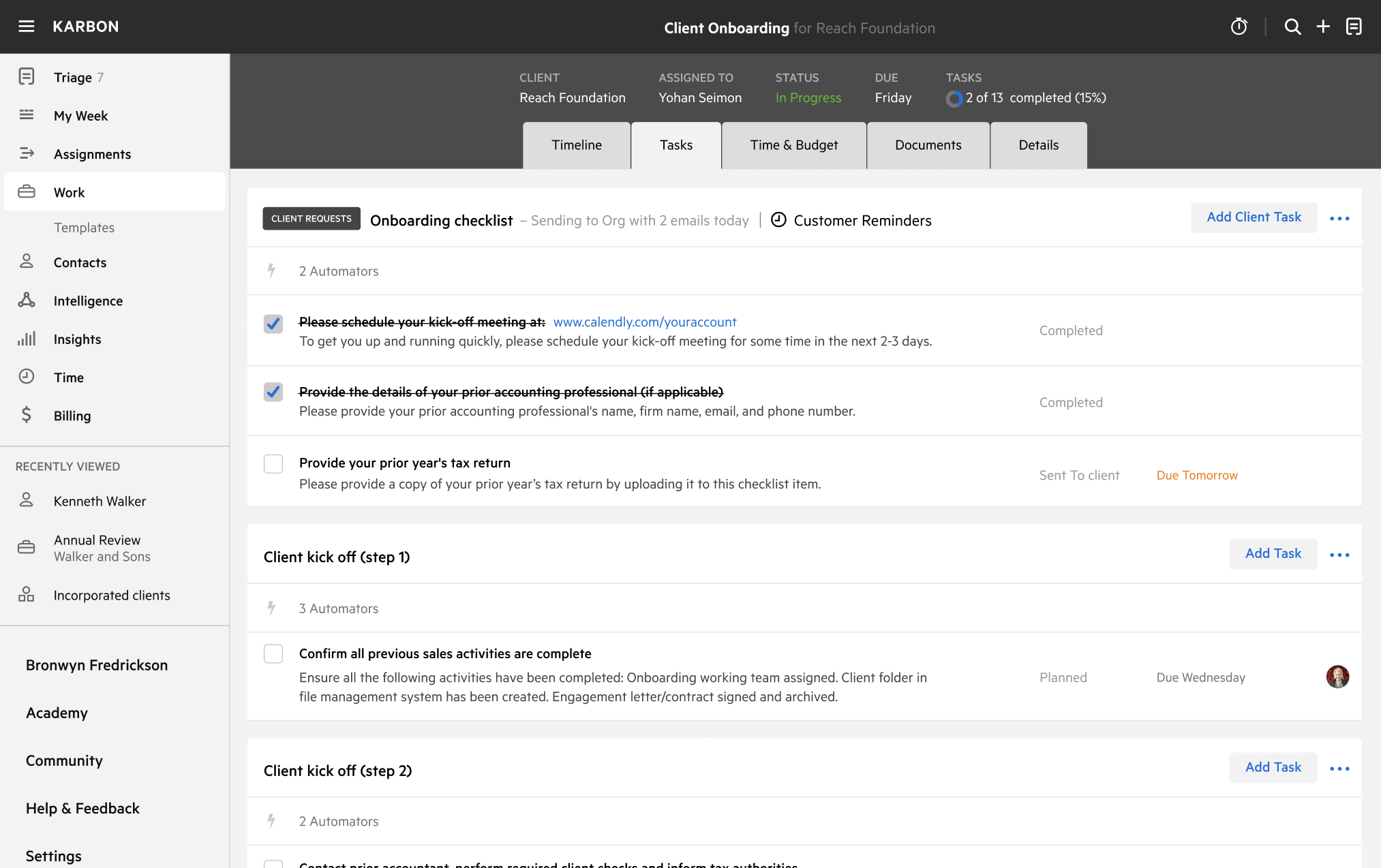
A work template dashboard in Karbon displaying a client onboarding checklist.