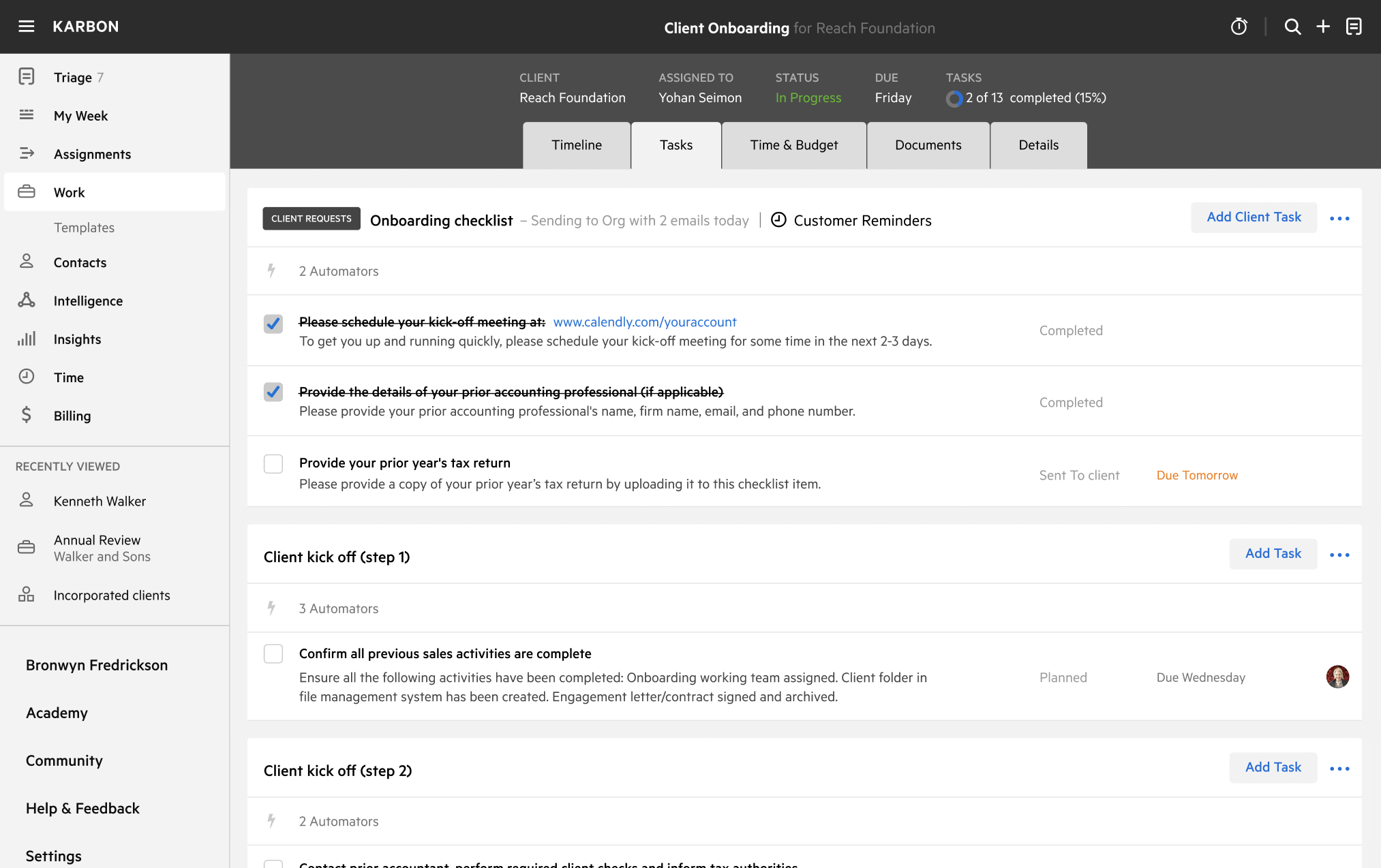
Prospect to Sale Template
Download your free Prospect to Sale Best Practice template to personalize and use in your bookkeeping or accounting firm.
Added and downloaded 1858 times
About this template
This template outlines an easy-to-replicate process to turn a prospect into a sale. Exceed the expectations of prospects and increase your chances of turning them into ongoing, high-value clients.
This process assumes that marketing activity has been created from referral, inbound or outbound marketing activities. You can learn more about this process in the 7 systems that help accountants deliver maximum value on autopilot.
How to use this template
Add this template to Karbon
Get more out of this template by adding it to your Karbon Practice Management cloud-based software, including:
- Time and Budget Estimates
- Task Automation
- Client Task Automation
- Client Work Scheduling
Alternatively, you can
.
How to customize a template
You can edit any saved template to fit your firm's specific needs. Before making changes, duplicate a pre-populated template by selecting it, clicking the "..." menu, and choosing Duplicate.
Common customizations:
- Reorder or nest tasks
- Add or remove tasks
- Edit the client task email
- Use or modify Tasklist automators
Read the support article to learn more.
About Karbon
Karbon is the leading AI-powered practice management platform.
Thousands of accounting firms around the world have unlocked new efficiency, consistency, and growth by standardizing their workflow processes in Karbon templates.
But that’s just the beginning. Karbon connects your team, clients, work, and data. Everything lives in Karbon, so there's always a clear answer to what's happening, who owns it, and where to take action.
Learn more at karbonhq.com or book a demo.