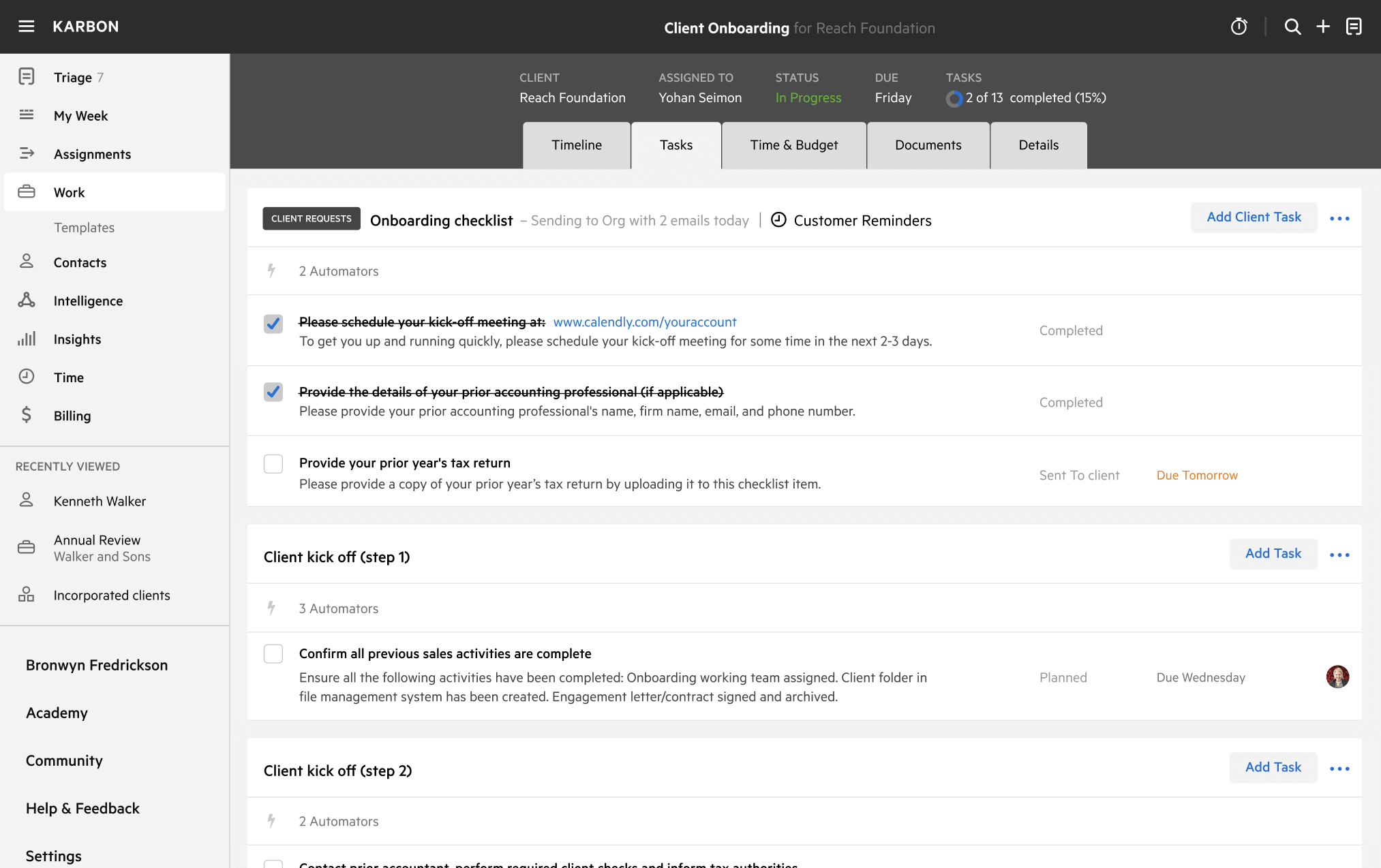
Karbon Technology Prioritization Template
Download your free Karbon Technology Prioritization template to personalize and use in your bookkeeping or accounting firm.
Added and downloaded 2298 times
About this template
With the advent of cloud accounting, a new era of vertical specific applications has emerged—some specific to small businesses and, more importantly, others specific to accounting professionals and their unique workflows. While variety provides opportunity, you're not alone if you're feeling “app’d out”. So how can you navigate the vast sea of apps available?
This template accompanies our guide to selecting your perfect technology solution. It will assist you to evaluate the technology available to your accounting practice and clients, to ultimately identify the best solutions. Before using the template, we recommend you read the guide.
How to use this template
Add this template to Karbon
Get more out of this template by adding it to your Karbon Practice Management cloud-based software, including:
- Time and Budget Estimates
- Task Automation
- Client Task Automation
- Client Work Scheduling
Alternatively, you can