Get started with Karbon

It looks like our demo booking platform didn't load properly. If you're running an adblocker, please disable it and refresh the page. If you're still having trouble, please contact us.

Sales Process for New Intuit QuickBooks Client Using Ignition Template

Download your free Sales Process for New Intuit QuickBooks Client Using Ignition template to personalize and use in your bookkeeping or accounting firm.

Sign In to Add to Karbon

Download Sales Process for New Intuit QuickBooks Client Using Ignition Template

Added and downloaded 278 times

A preview of the templateSales process for new QuickBooks client (using Practice Ignition)Ready to Start: Qualify and send appointment email2 AutomatorsCustomize the client request email (below) with your appointment link (e.g. Calendly)CompletedECLIENT TASKSThanks for your interest in our accounting and tax services! 2 AutomatorsSchedule time with us to discuss your accounting and tax needs — {insert appointment link here}CompletedTKick-off3 AutomatorsConduct initial meetingCompletedD

About this template

This template is Satterley Training & Consulting's best practice sales process workflow when using Intuit QuickBooks and Ignition.

The start date is today, the due date is 1 week later and the work assignee is the Salesperson.

How to use this template

Add this template to Karbon

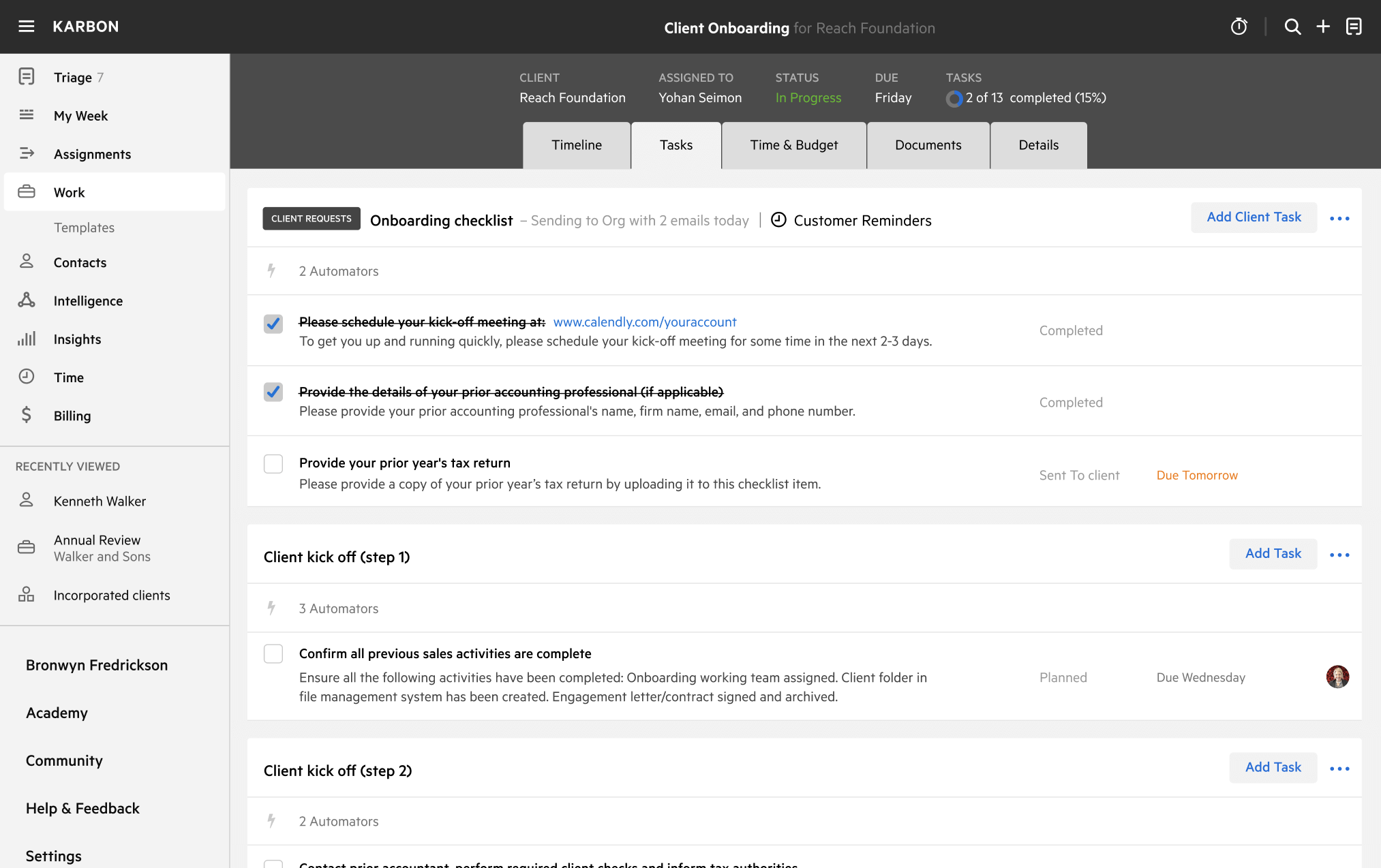
Get more out of this template by adding it to your Karbon Practice Management cloud-based software, including:

  • Time and Budget Estimates
  • Task Automation
  • Client Task Automation
  • Client Work Scheduling
Sign In to Add to Karbon

Karbon Practice Management

A preview of the templateSales process for new QuickBooks client (using Practice Ignition)Ready to Start: Qualify and send appointment email2 AutomatorsCustomize the client request email (below) with your appointment link (e.g. Calendly)CompletedOCLIENT TASKSThanks for your interest in our accounting and tax services! 2 AutomatorsSchedule time with us to discuss your accounting and tax needs — {insert appointment link here}CompletedVKick-off3 AutomatorsConduct initial meetingCompletedC

Not currently a Karbon customer?

Discover Karbon

How to customize a template

You can edit any saved template to fit your firm's specific needs. Before making changes, duplicate a pre-populated template by selecting it, clicking the "..." menu, and choosing Duplicate.

Common customizations:

  • Reorder or nest tasks
  • Add or remove tasks
  • Edit the client task email
  • Use or modify Tasklist automators

Read the support article to learn more.

About Satterley Training & Consulting

Satterley Training & Consulting provide coaching services for accounting professionals and business owners.

Related templates

Other workflow templates you might find useful.
Practice Management
Built for Growth

Get the most out of workflow templates by applying them in Karbon for automation, app integrations, and team collaboration.

Discover Karbon
A work template dashboard in Karbon displaying a client onboarding checklist.