Get started with Karbon

It looks like our demo booking platform didn't load properly. If you're running an adblocker, please disable it and refresh the page. If you're still having trouble, please contact us.

Reporting Financier Template

Ce travail récapitule les actions liées à l'envoi d'un reporting financier au client.

Sign In to Add to Karbon

Download Reporting Financier Template

Added and downloaded 8 times

A preview of the templateReporting financierPréparation du reporting2 AutomatorsGénérer les écritures d'inventaire et faire la revue analytique des comptesCompletedXRevue du reporting4 AutomatorsFaire la revue du dossierCompletedFEnvoi du reporting et clôture des journaux de la période4 AutomatorsEnvoyer le reporting financier de la période au clientCompletedV

About this template

Ce travail récapitule les actions liées à l'envoi d'un reporting financier au client.

Le modèle de travail peut être personnalisé pour s'adapter aux procédures du cabinet.

A la création du travail, paramétrer, en fonction des dispositions convenues dans la lettre de mission:

  • La date de début du travail doit être le jour de l'envoi du reporting au client.
  • Le budget de la mission.
  • La fréquence du reporting.

Par défaut: Le travail est assigné au collaborateur en charge du dossier.

How to use this template

Add this template to Karbon

Get more out of this template by adding it to your Karbon Practice Management cloud-based software, including:

  • Time and Budget Estimates
  • Task Automation
  • Client Task Automation
  • Client Work Scheduling
Sign In to Add to Karbon

Karbon Practice Management

A preview of the templateReporting financierPréparation du reporting2 AutomatorsGénérer les écritures d'inventaire et faire la revue analytique des comptesCompletedHRevue du reporting4 AutomatorsFaire la revue du dossierCompletedFEnvoi du reporting et clôture des journaux de la période4 AutomatorsEnvoyer le reporting financier de la période au clientCompletedL

Not currently a Karbon customer?

Discover Karbon

How to customize a template

You can edit any saved template to fit your firm's specific needs. Before making changes, duplicate a pre-populated template by selecting it, clicking the "..." menu, and choosing Duplicate.

Common customizations:

  • Reorder or nest tasks
  • Add or remove tasks
  • Edit the client task email
  • Use or modify Tasklist automators

Read the support article to learn more.

About Cegid

Cegid create cloud-based management solutions to help businesses implement projects and open up opportunities.

Practice Management
Built for Growth

Get the most out of workflow templates by applying them in Karbon for automation, app integrations, and team collaboration.

Discover Karbon
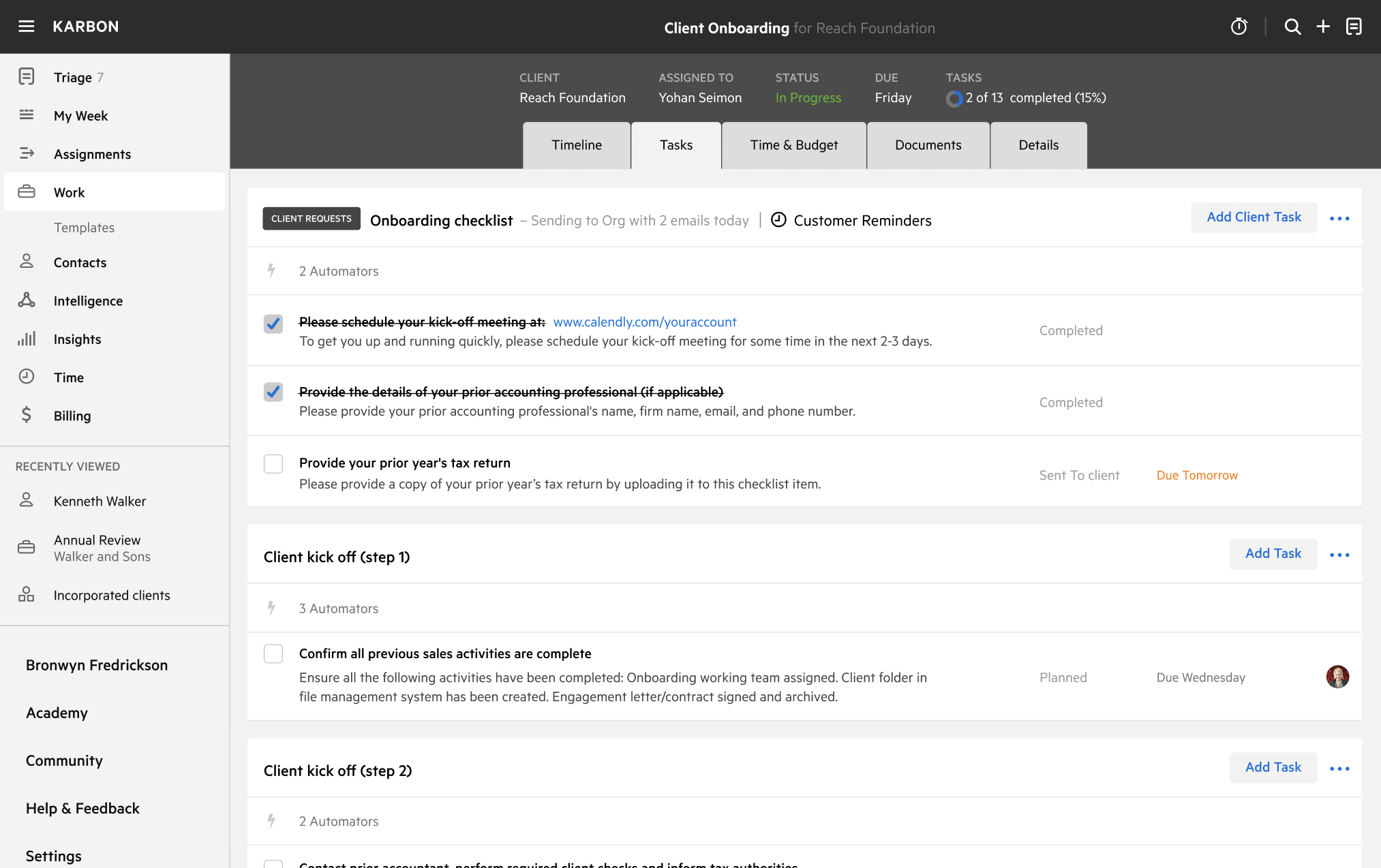
A work template dashboard in Karbon displaying a client onboarding checklist.