PAYG Payment Summary Template
Download your free PAYG Payment Summary template to personalize and use in your bookkeeping or accounting firm.
Added and downloaded 532 times
About this template
Under pay as you go (PAYG) withholding, Australian business must give each of their employees a payment summary showing the payments made to them and the amounts withheld from those payments during a financial year. Growthwise use this template to prepare and lodge these PAYG summaries for their clients.
Growthwise is a Newcastle-based accounting firm but not your average nerdy, pen pushing, number-crunching, sit–behind–a–desk small business group of accountants. Follow them on Twitter.
How to use this template
Add this template to Karbon
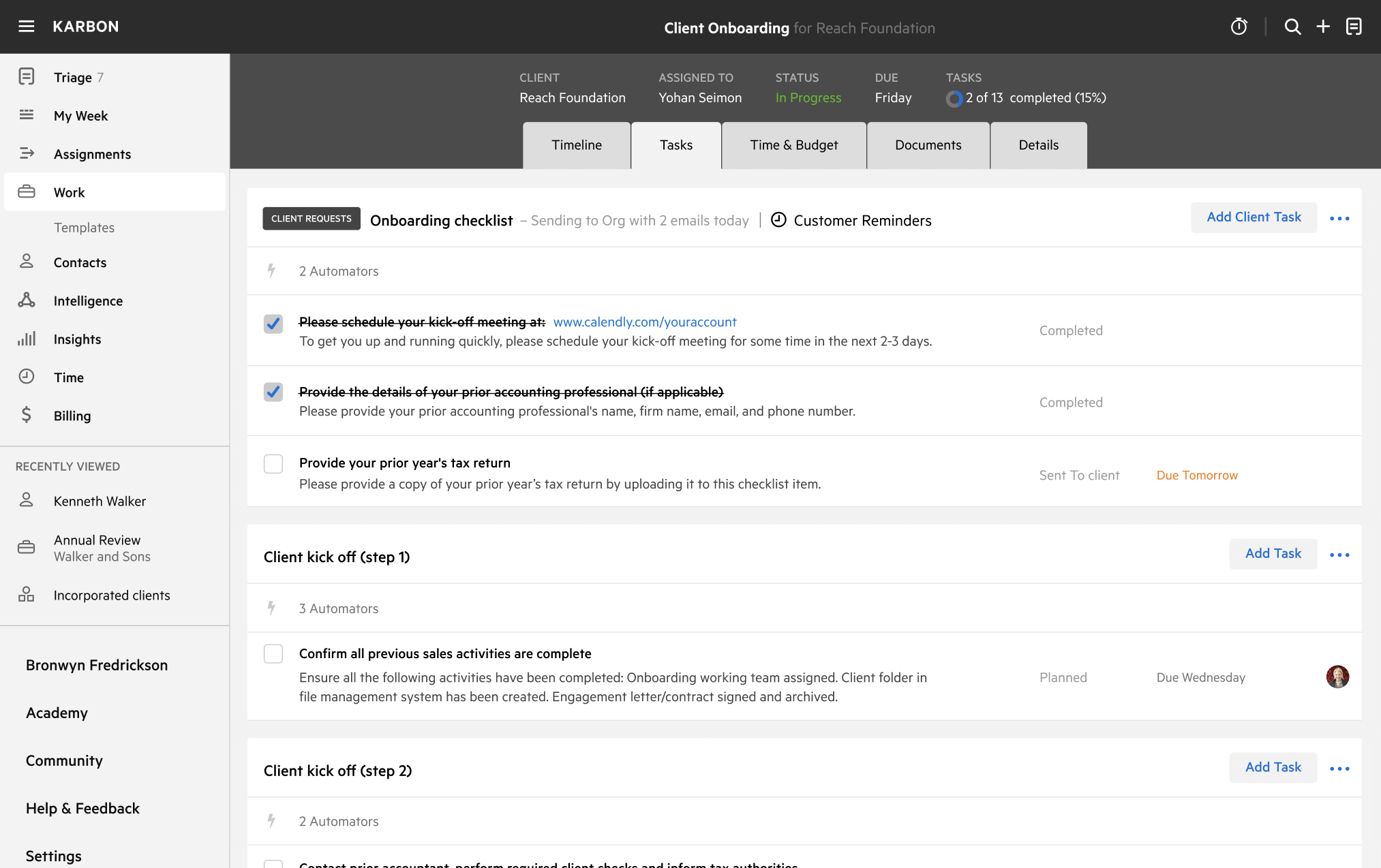
Get more out of this template by adding it to your Karbon Practice Management cloud-based software, including:
- Time and Budget Estimates
- Task Automation
- Client Task Automation
- Client Work Scheduling
Alternatively, you can
.
How to customize a template
You can edit any saved template to fit your firm's specific needs. Before making changes, duplicate a pre-populated template by selecting it, clicking the "..." menu, and choosing Duplicate.
Common customizations:
- Reorder or nest tasks
- Add or remove tasks
- Edit the client task email
- Use or modify Tasklist automators
Read the support article to learn more.
About Growthwise
We offer more than small business accounting. We offer small business accounting on steroids that focuses on your entire business to automate, streamline and improve your systems, processes and profits.