Get started with Karbon

It looks like our demo booking platform didn't load properly. If you're running an adblocker, please disable it and refresh the page. If you're still having trouble, please contact us.

Payroll Setup in Intuit QuickBooks Template

Download your free Payroll Setup in Intuit QuickBooks template to personalize and use in your bookkeeping or accounting firm.

Sign In to Add to Karbon

Download Payroll Setup in Intuit QuickBooks Template

Added and downloaded 160 times

A preview of the templatePayroll setup (for QuickBooks Online Payroll) (United States)CLIENT TASKSInformation needed to begin your payroll setup 1 AutomatorProvide the Name, Social Security Number, and Birthdate for the primary bank account holder (see description)CompletedHProvide the details for the bank account used to pay wages and payroll taxesCompletedAProvide your firm's Federal Tax ID NumberCompletedBHow often would you like employees paid (monthly, twice a month, every 2 weeks)?CompletedZWhat would you like your first payroll date to be?CompletedTPlease provide a list of current employees who will be on payrollReady To StartDue TodayHInitial payroll setup

About this template

This template process leads to the ongoing payroll process and payroll quarterly tax filing process in Intuit QuickBooks.

Set the start date as today's date. The end date is 7 days later. Your Payroll Specialist is the work asignee.

How to use this template

Add this template to Karbon

Get more out of this template by adding it to your Karbon Practice Management cloud-based software, including:

  • Time and Budget Estimates
  • Task Automation
  • Client Task Automation
  • Client Work Scheduling
Sign In to Add to Karbon

Karbon Practice Management

A preview of the templatePayroll setup (for QuickBooks Online Payroll) (United States)CLIENT TASKSInformation needed to begin your payroll setup 1 AutomatorProvide the Name, Social Security Number, and Birthdate for the primary bank account holder (see description)CompletedWProvide the details for the bank account used to pay wages and payroll taxesCompletedYProvide your firm's Federal Tax ID NumberCompletedSHow often would you like employees paid (monthly, twice a month, every 2 weeks)?CompletedYWhat would you like your first payroll date to be?CompletedBPlease provide a list of current employees who will be on payrollReady To StartDue TodayRInitial payroll setup

Not currently a Karbon customer?

Discover Karbon

How to customize a template

You can edit any saved template to fit your firm's specific needs. Before making changes, duplicate a pre-populated template by selecting it, clicking the "..." menu, and choosing Duplicate.

Common customizations:

  • Reorder or nest tasks
  • Add or remove tasks
  • Edit the client task email
  • Use or modify Tasklist automators

Read the support article to learn more.

About Intuit

Everything we do at Intuit is in service to our mission of powering prosperity around the world. We are dedicated to providing the tools, skills and insights that empower people to take control of their finances and live the lives they want. We work toward that mission in a variety of ways, but the way we make progress at scale is through our products and cornerstone brands — TurboTax, QuickBooks, and Mint.

Practice Management
Built for Growth

Get the most out of workflow templates by applying them in Karbon for automation, app integrations, and team collaboration.

Discover Karbon
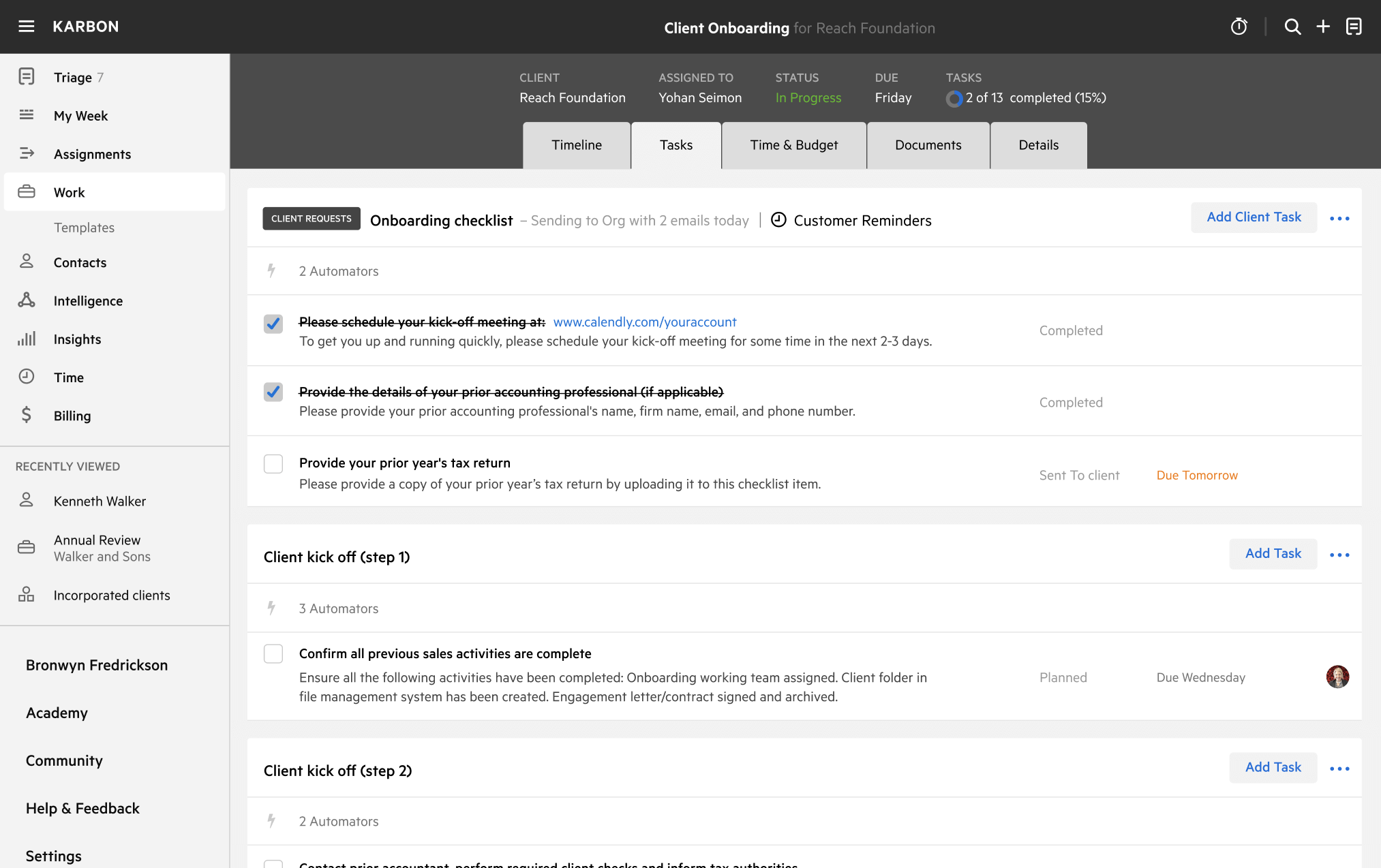
A work template dashboard in Karbon displaying a client onboarding checklist.