
Adding a New Client to Gusto
Created by Gusto
Quickly create a new client and set them up to manage their payroll in Gusto.
797 downloads
Download your free Payroll Processing with Gusto template to personalize and use in your bookkeeping or accounting firm.
Added and downloaded 209 times
One of the most procedure-bound and demanding processes is payroll. To make things easier, Karbon and Gusto teamed up to create this work template that features integrated workflows for processing payroll.
From data gathering and input to reporting and automating, this template outlines the essentials for every step in your payroll process while providing integrated workflows to keep your team automatically in the loop as work progresses within Gusto.
Note: This template requires Karbon and Gusto to be integrated prior to downloading. Learn how to complete the integration.
Get more out of this template by adding it to your Karbon Practice Management cloud-based software, including:
Alternatively, you can
Other workflow templates you might find useful.
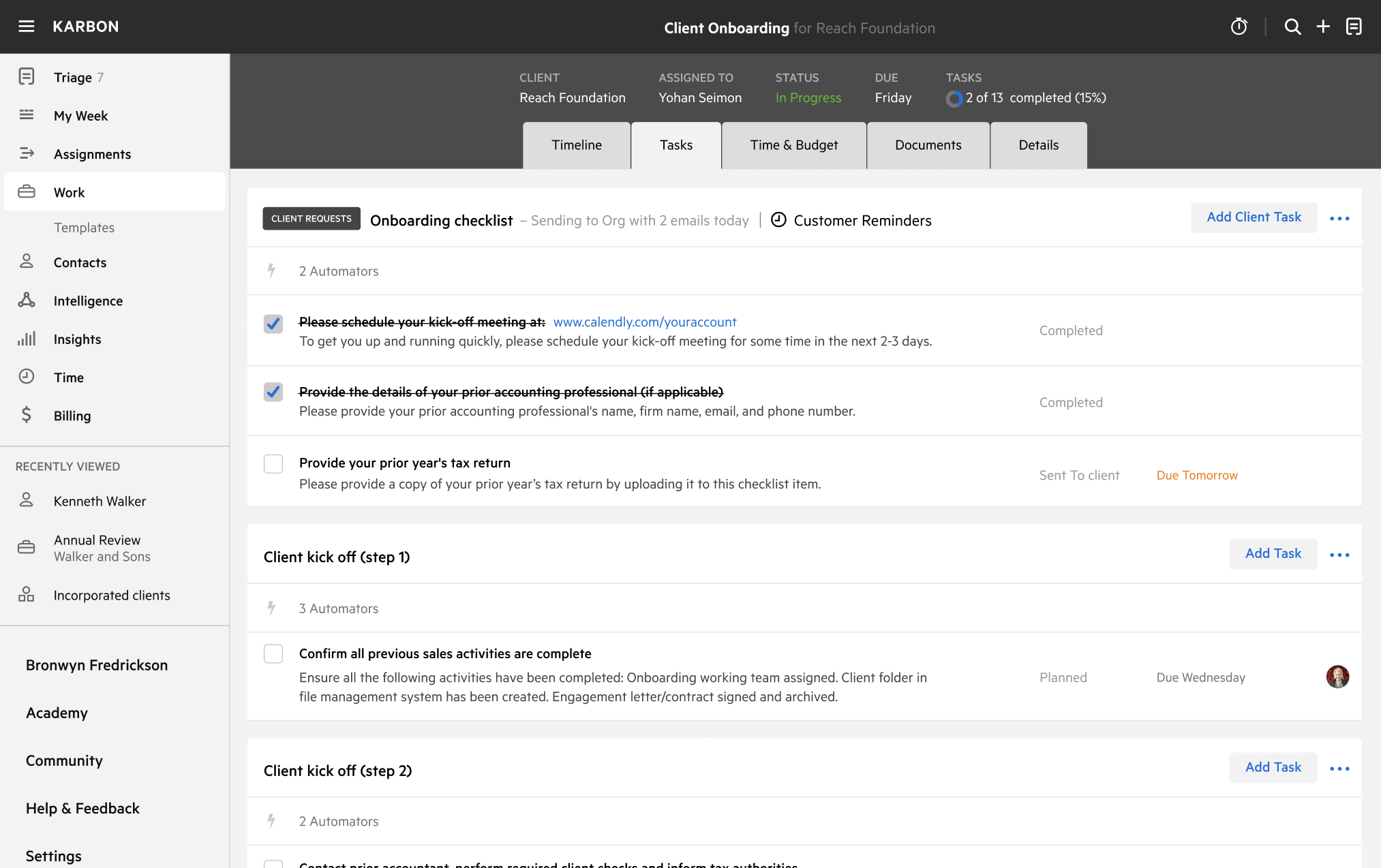
You can edit any saved template to fit your firm's specific needs. Before making changes, duplicate a pre-populated template by selecting it, clicking the "..." menu, and choosing Duplicate.
Common customizations:
Read the support article to learn more.
Gusto was built for small businesses, from sole prioprietors to W-2 employers. Automatically file payroll taxes, streamline benefits, and provide direct access to HR experts.
Created by Gusto
Quickly create a new client and set them up to manage their payroll in Gusto.
Created by Gusto
Cover every essential step when creating a new employee in Gusto.