Get started with Karbon

It looks like our demo booking platform didn't load properly. If you're running an adblocker, please disable it and refresh the page. If you're still having trouble, please contact us.

Wagepoint Payroll Setup Template

Download your free Wagepoint Payroll Setup template to personalize and use in your bookkeeping or accounting firm.

Sign In to Add to Karbon

Download Wagepoint Payroll Setup Template

Added and downloaded 165 times

A preview of the templatePayroll setup (by Wagepoint) (Canada)CLIENT TASKSInformation needed to begin your payroll setup 1 AutomatorProvide the company details as related to your payroll setupCompletedLProvide your firm's CRA payroll account number (and Revenu Quebec payroll account number and employer HSF rate, if apCompletedEProvide the details for the bank account used to pay wages and payroll taxes (and upload voided cheque)CompletedJProvide any relevant provincial/territorial tax information (if applicable; see list below)CompletedVHow often would you like employees paid (monthly, twice a month, every 2 weeks, every week)? What would you like yourCompletedISpecify any additional deduction types you would like to use (see list below)Ready To StartDue TodayHSpecify any additional income types you would offer or would like to use (see list below)Ready To StartDue TodayDConfirm (add/edit) the list of your company statutory holidays (see list below)Ready To StartDue TodayZ

About this template

This is the best practice process for setting up payroll powered by Wagepoint. This workflow should be used in conjunction with Wagepoint to complete the payroll setup for clients. It will leads to the ongoing payroll process and periodic compliance processes.

Learn more about Wagepoint. Sign-up for Wagepoint Learn how to add a client to Wagepoint.

How to use this template

Add this template to Karbon

Get more out of this template by adding it to your Karbon Practice Management cloud-based software, including:

  • Time and Budget Estimates
  • Task Automation
  • Client Task Automation
  • Client Work Scheduling
Sign In to Add to Karbon

Karbon Practice Management

A preview of the templatePayroll setup (by Wagepoint) (Canada)CLIENT TASKSInformation needed to begin your payroll setup 1 AutomatorProvide the company details as related to your payroll setupCompletedFProvide your firm's CRA payroll account number (and Revenu Quebec payroll account number and employer HSF rate, if apCompletedAProvide the details for the bank account used to pay wages and payroll taxes (and upload voided cheque)CompletedGProvide any relevant provincial/territorial tax information (if applicable; see list below)CompletedOHow often would you like employees paid (monthly, twice a month, every 2 weeks, every week)? What would you like yourCompletedFSpecify any additional deduction types you would like to use (see list below)Ready To StartDue TodayPSpecify any additional income types you would offer or would like to use (see list below)Ready To StartDue TodaySConfirm (add/edit) the list of your company statutory holidays (see list below)Ready To StartDue TodayJ

Not currently a Karbon customer?

Discover Karbon

How to customize a template

You can edit any saved template to fit your firm's specific needs. Before making changes, duplicate a pre-populated template by selecting it, clicking the "..." menu, and choosing Duplicate.

Common customizations:

  • Reorder or nest tasks
  • Add or remove tasks
  • Edit the client task email
  • Use or modify Tasklist automators

Read the support article to learn more.

About Wagepoint

Wagepoint helps you generate consistent revenue for your accounting or bookkeeping firm with simple payroll software that’s easy to use and recommend.

Related templates

Other workflow templates you might find useful.
Practice Management
Built for Growth

Get the most out of workflow templates by applying them in Karbon for automation, app integrations, and team collaboration.

Discover Karbon
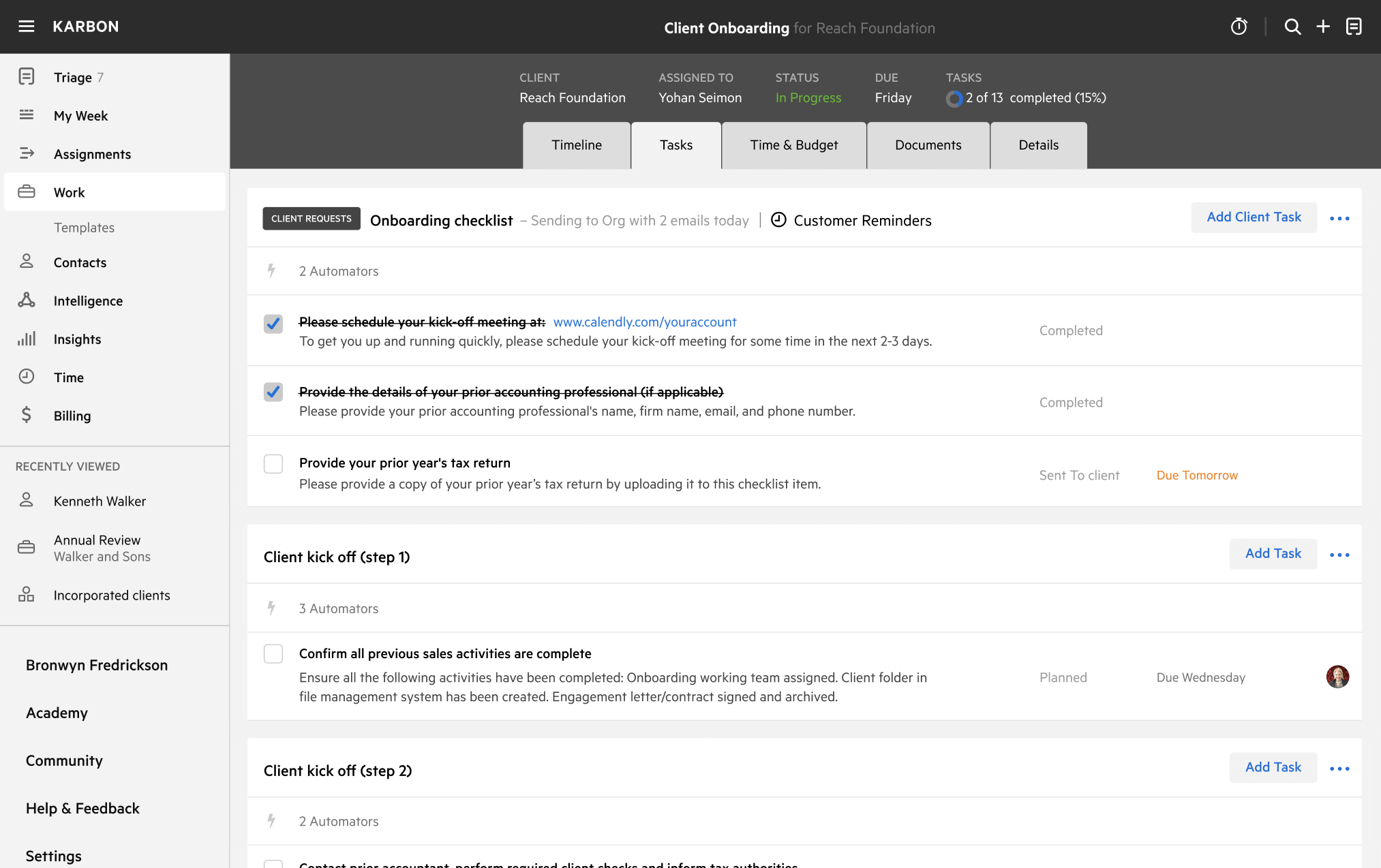
A work template dashboard in Karbon displaying a client onboarding checklist.