Sales Tax Filing Template
Download your free Sales Tax Filing template to personalize and use in your bookkeeping or accounting firm.
Added and downloaded 452 times
About this template
If your client operates in a sales tax state of the United States, they need to collect, report, and pay sales taxes on the products or services that they sell.
This is the best practice process for helping them file and pay this sales tax. It covers steps to collect details, gather reports, and send it the client's state.
In the United States, forty-five states and Washington D.C. have a sales tax. This means that if your clients sell products that are taxable, they may be required to collect sales tax from customers in their state and any other states where they have sales tax nexus.
How to use this template
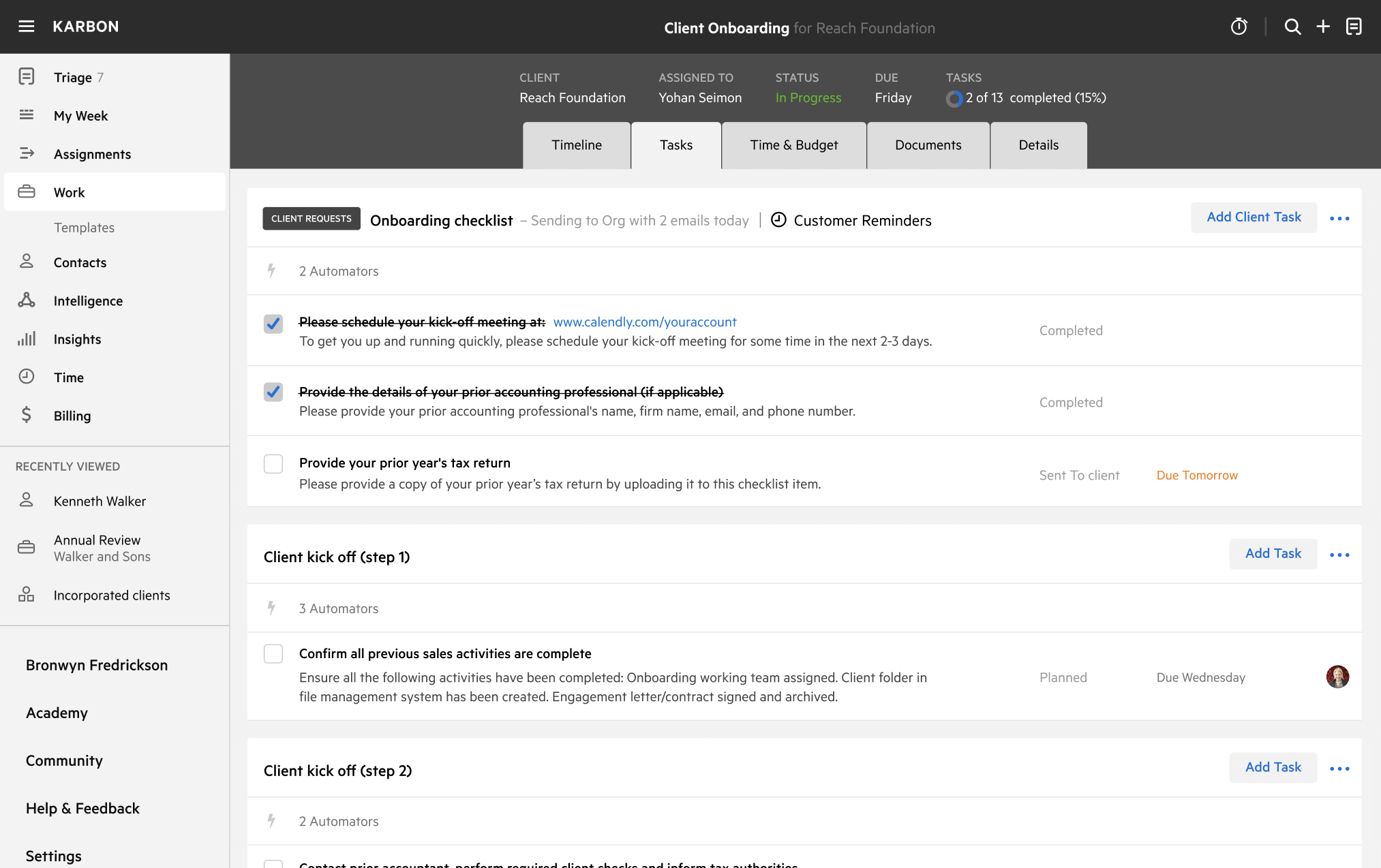
Add this template to Karbon
Get more out of this template by adding it to your Karbon Practice Management cloud-based software, including:
- Time and Budget Estimates
- Task Automation
- Client Task Automation
- Client Work Scheduling
Alternatively, you can
.
How to customize a template
You can edit any saved template to fit your firm's specific needs. Before making changes, duplicate a pre-populated template by selecting it, clicking the "..." menu, and choosing Duplicate.
Common customizations:
- Reorder or nest tasks
- Add or remove tasks
- Edit the client task email
- Use or modify Tasklist automators
Read the support article to learn more.
About Karbon
Karbon is an AI-powered practice management platform for accounting firms, designed to streamline operations and support scalable growth.
Trusted by nearly 3,000 firms, Karbon boosts productivity by an average of 18% by uniting teams, clients, work, billing, and reporting in one place. With 30+ integrations and an open API, it’s fully customizable.
Learn more at karbonhq.com or book a demo to see how Karbon can help your firm grow.