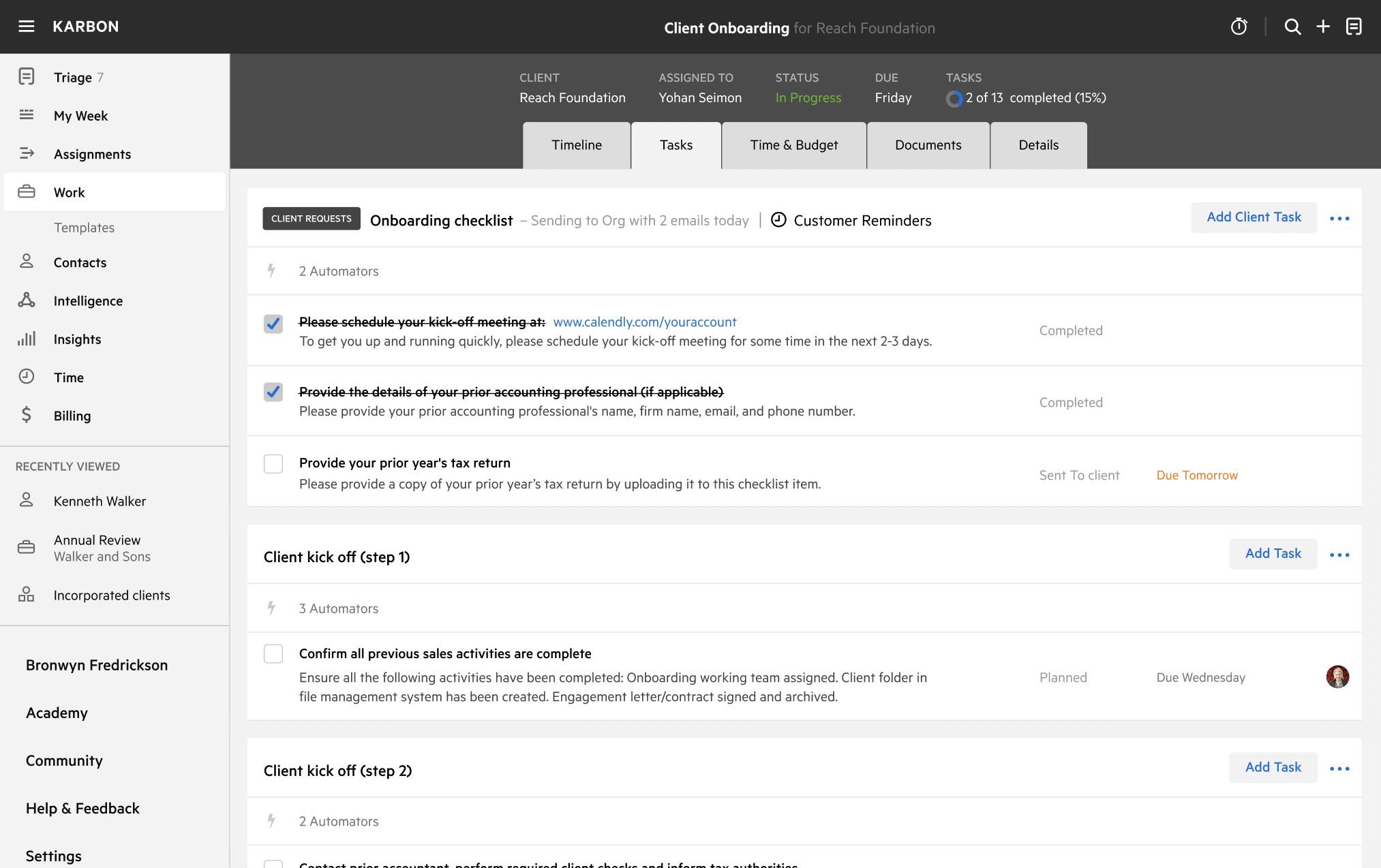
Risk Assessment Template
Download your free Risk Assessment template to personalize and use in your bookkeeping or accounting firm.
Added and downloaded 138 times
About this template
This template is designed to streamline your AML and risk assessment process using Xama. The Xama and Karbon integration will benefit the risk assessment portion specifically.
If this template is selected as part of the integration settings, whenever a risk assessment is created in Xama, this work template will be assigned to the related person or organisation contact in Karbon with a status of 'In Progress'.
When the risk assessment is ready to be reviewed internally, it will move into a status of 'Waiting in Karbon'. Once the risk assessment is completed in Xama, it will move into a status of 'Completed' in Karbon.
The roles involved in completing the work are: Onboarding Specialist and Reviewer. The overall ownership of the work changes as the work progresses between the roles involved.
Roles are both customisable, however the statuses will be controlled via the integration.
The template includes best practice automation to ensure the following are clear:
- Which tasks are ready to be worked on (i.e. task status)
- What the status of work is at any time (so you can get real-time work dashboards)
- Who is responsible for the work and tasks
- The priority of work and tasks
The start date for the work is the date of signed engagement. The due date of the work is one week later. The initial work assignee is the Onboarding Specialist.
How to use this template
Add this template to Karbon
Get more out of this template by adding it to your Karbon Practice Management cloud-based software, including:
- Time and Budget Estimates
- Task Automation
- Client Task Automation
- Client Work Scheduling
Alternatively, you can
.
How to customize a template
You can edit any saved template to fit your firm's specific needs. Before making changes, duplicate a pre-populated template by selecting it, clicking the "..." menu, and choosing Duplicate.
Common customizations:
- Reorder or nest tasks
- Add or remove tasks
- Edit the client task email
- Use or modify Tasklist automators
Read the support article to learn more.
About Xama
Xama is a cloud based AML solution integrated with your onboarding process, designed to provide you with everything you need for effortless AML management.