Get started with Karbon

It looks like our demo booking platform didn't load properly. If you're running an adblocker, please disable it and refresh the page. If you're still having trouble, please contact us.

Onboarding a New Team Member Template

Download your free Onboarding a New Team Member template to personalize and use in your bookkeeping or accounting firm.

Sign In to Add to Karbon

Download Onboarding a New Team Member Template

Added and downloaded 1854 times

A preview of the template showing sections of tasks to be completed. Some are already checked offOnboarding a new team member (by Two Roads) (United States)Initial setup and systems checklist2 AutomatorsComplete all initial setup and systems checklist items for new hireCompletedUCollect new hire paperwork, scan to director of bookkeeping for storageCompletedLAdd to GmailCompletedOAdd employee to team distribution list in GmailCompletedGAdd birthday to Gmail team calendarCompletedZInvite team member to Karbon, email team member to call Karbon for overview trainingReady To StartDue TodayRInvite team member to Tsheets and assign "Two Roads" as first clientReady To StartDue TodayCInvite team member to Slack and assigned "Entire Company" as first chat roomReady To StartDue TodayE

About this template

When someone new joins your team there's a lot to consider and learn—for them, and for you. To help your new employee quickly learn the way you do things, it helps to lay out the steps that they'll need to tick off. And because every member of your team needs to be across many of the same things, this is a great process that can be repeated with each new staff member

This is the employee onboarding process used by Two Roads. These detailed steps cover everything their new hires need to cover—including systems, training, introductions, and reviews.

Two Roads are a bookkeeping and tax company based in Knoxville, Tennessee. They believe their greatest asset is their team so they're pretty picky about who works with them. Led by President, Adam Slack, they're incredibly passionate about creating a culture where team members thrive, serve their partners and pursue their passions. And all this begins in their employee onboarding process.

How to use this template

Add this template to Karbon

Get more out of this template by adding it to your Karbon Practice Management cloud-based software, including:

  • Time and Budget Estimates
  • Task Automation
  • Client Task Automation
  • Client Work Scheduling
Sign In to Add to Karbon

Karbon Practice Management

A preview of the template showing sections of tasks to be completed. Some are already checked offOnboarding a new team member (by Two Roads) (United States)Initial setup and systems checklist2 AutomatorsComplete all initial setup and systems checklist items for new hireCompletedKCollect new hire paperwork, scan to director of bookkeeping for storageCompletedIAdd to GmailCompletedVAdd employee to team distribution list in GmailCompletedXAdd birthday to Gmail team calendarCompletedQInvite team member to Karbon, email team member to call Karbon for overview trainingReady To StartDue TodayRInvite team member to Tsheets and assign "Two Roads" as first clientReady To StartDue TodayWInvite team member to Slack and assigned "Entire Company" as first chat roomReady To StartDue TodayI

Not currently a Karbon customer?

Discover Karbon

How to customize a template

You can edit any saved template to fit your firm's specific needs. Before making changes, duplicate a pre-populated template by selecting it, clicking the "..." menu, and choosing Duplicate.

Common customizations:

  • Reorder or nest tasks
  • Add or remove tasks
  • Edit the client task email
  • Use or modify Tasklist automators

Read the support article to learn more.

About Two Roads

We’re a bookkeeping company. It’s our passion, but probably not yours. We relieve the burden and mystery of bookkeeping, empowering business owners to clearly focus on what they’re most passionate about and what they do best.

Related templates

Other workflow templates you might find useful.
Practice Management
Built for Growth

Get the most out of workflow templates by applying them in Karbon for automation, app integrations, and team collaboration.

Discover Karbon
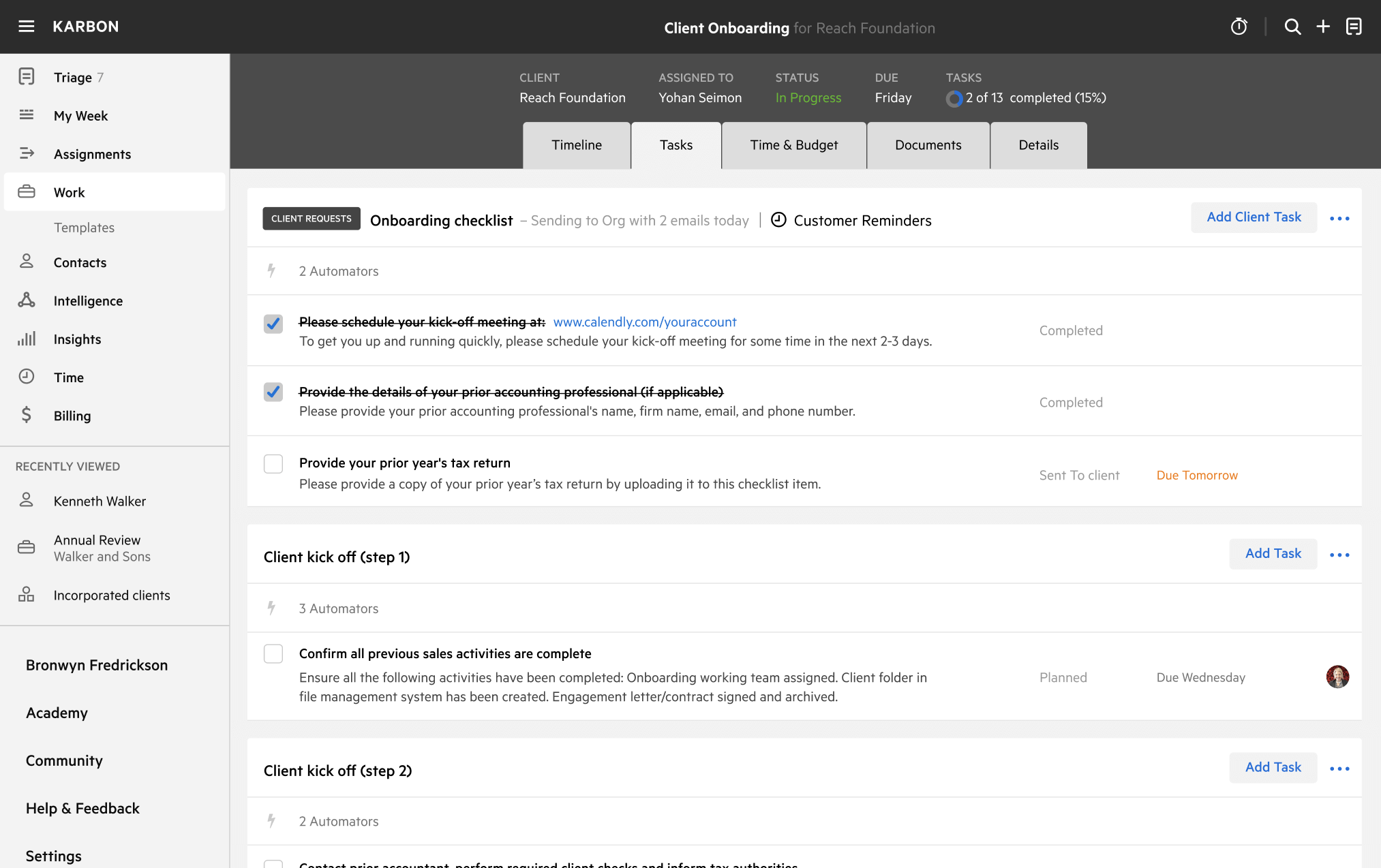
A work template dashboard in Karbon displaying a client onboarding checklist.