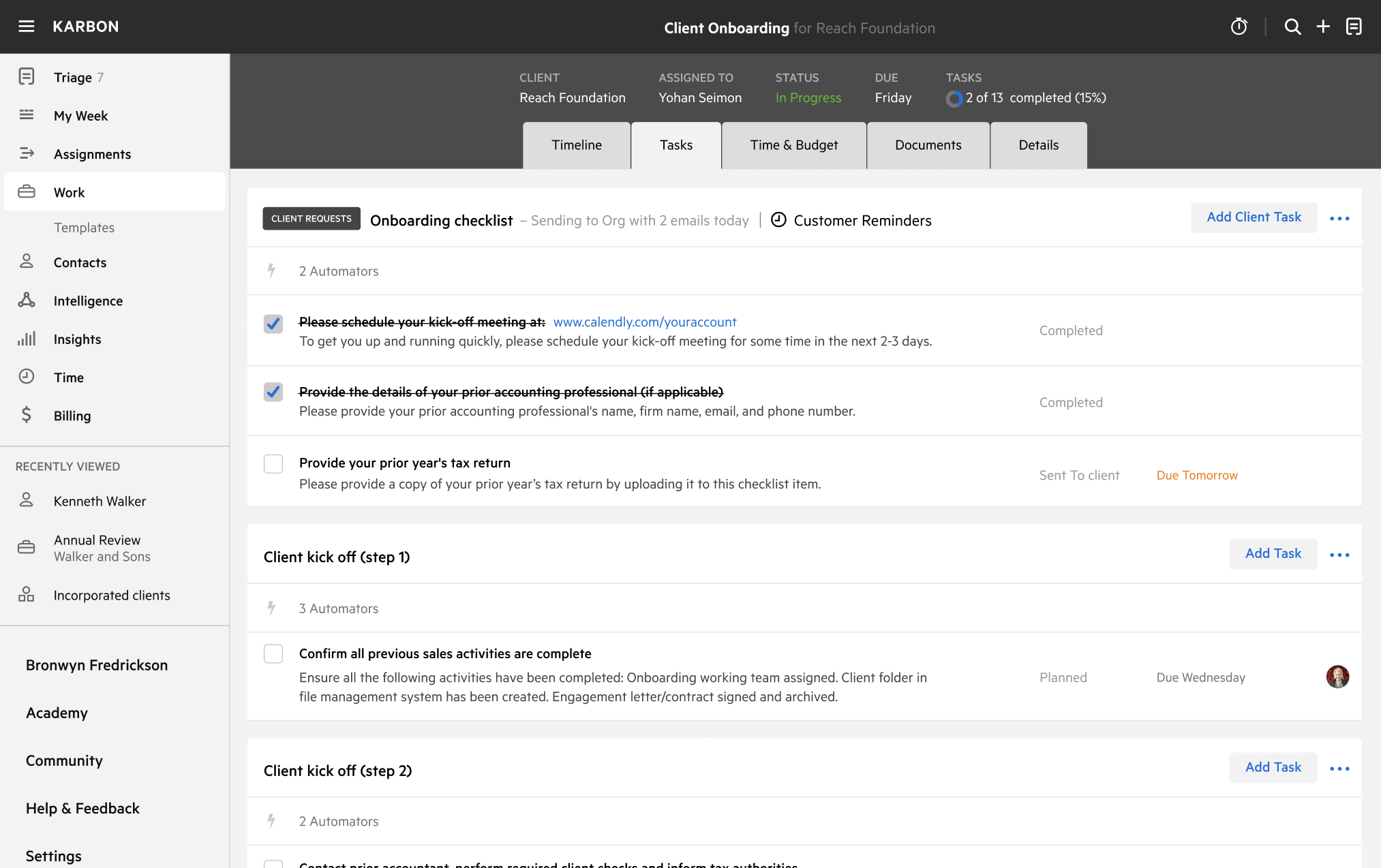
Karbon Self-Onboarding Guide Template
Download your free Karbon Self-Onboarding Guide template to personalize and use in your bookkeeping or accounting firm.
Added and downloaded 304 times
About this template
This template is your ultimate self-onboarding guide to getting started with Karbon.
These onboarding tasks are designed to get you up and running on Karbon in under a week.
You will be guided through adding client data, creating client work, saving dashboards, and onboarding your team.
How to use this template
Add this template to Karbon
Get more out of this template by adding it to your Karbon Practice Management cloud-based software, including:
- Time and Budget Estimates
- Task Automation
- Client Task Automation
- Client Work Scheduling
Alternatively, you can
.
How to customize a template
You can edit any saved template to fit your firm's specific needs. Before making changes, duplicate a pre-populated template by selecting it, clicking the "..." menu, and choosing Duplicate.
Common customizations:
- Reorder or nest tasks
- Add or remove tasks
- Edit the client task email
- Use or modify Tasklist automators
Read the support article to learn more.
About Karbon
Karbon is the leading AI-powered practice management platform.
Thousands of accounting firms around the world have unlocked new efficiency, consistency, and growth by standardizing their workflow processes in Karbon templates.
But that’s just the beginning. Karbon connects your team, clients, work, and data. Everything lives in Karbon, so there's always a clear answer to what's happening, who owns it, and where to take action.
Learn more at karbonhq.com or book a demo.