
App Advisory
Created by App Advisory Plus
Guide your clients through the improvement of their business systems.
1,914 downloads
Download your free Initial Advisory Setup template to personalize and use in your bookkeeping or accounting firm.
Added and downloaded 729 times
Courtesy of LivePlan, this process includes a one-time upfront set up, and then moves to a very lean monthly advising set of tasks (ongoing monthly process). Over time, the monthly advisory checklist evolves to include more items related to growth and opportunity, as the financial tracking becomes more straight forward.
This method assumes no specific software is being used, but there are links to support guides and references to LivePlan software as examples in select tasks.
The start date is the date of scheduling the kick-off meeting (commitment to move forward) and the due date is 38 days later. The first task is owned by Admin.
Learn more about the best practices for delivering tax advisory.
Get more out of this template by adding it to your Karbon Practice Management cloud-based software, including:
Alternatively, you can
Other workflow templates you might find useful.
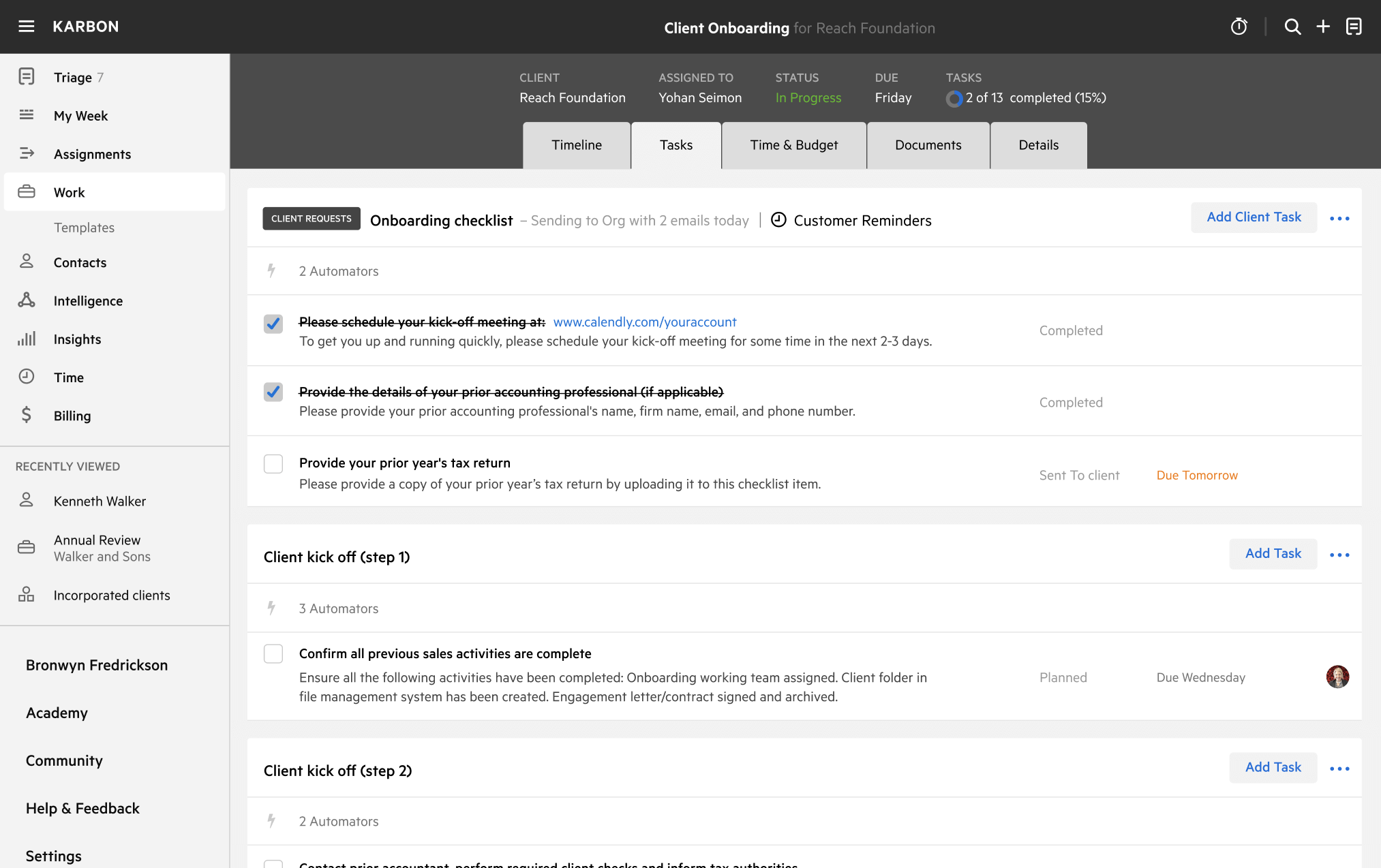
You can edit any saved template to fit your firm's specific needs. Before making changes, duplicate a pre-populated template by selecting it, clicking the "..." menu, and choosing Duplicate.
Common customizations:
Read the support article to learn more.
LivePlan simplifies business planning, budgeting, forecasting, and performance tracking. Its software helps you implement a step-by-step advisory service with everything you need, including a task-based business process, client engagement scripts, meeting agendas, pricing models, and more.
Created by App Advisory Plus
Guide your clients through the improvement of their business systems.
Created by LivePlan
Simplify the delivery of advisory services with the LivePlan method.