
Cash Flow Advisory in Float: Ongoing Advisory
Created by Float Cash Flow Forecasting
Maximize your ongoing cash flow advisory services with this tried and tested workflow using Float.
136 downloads
Download your free Cash Flow Advisory in Float: Initial Set Up template to personalize and use in your bookkeeping or accounting firm.
Added and downloaded 153 times
Once your ideal client has signed off on your proposal for cash flow advisory services, the focus moves to deliver those services.
The initial setup is the critical first step in doing so, and this template is designed to guide you though this process.
Because each section of this template is made easier by completeing the previous section, be sure to follow them in chronological order.
It’s worth noting the initial setup will be where the most significant time investment is required. Once completed, the time needed to maintain the forecast will be significantly less.
To offer complete cash flow forecasting and scenario planning, check out Float.
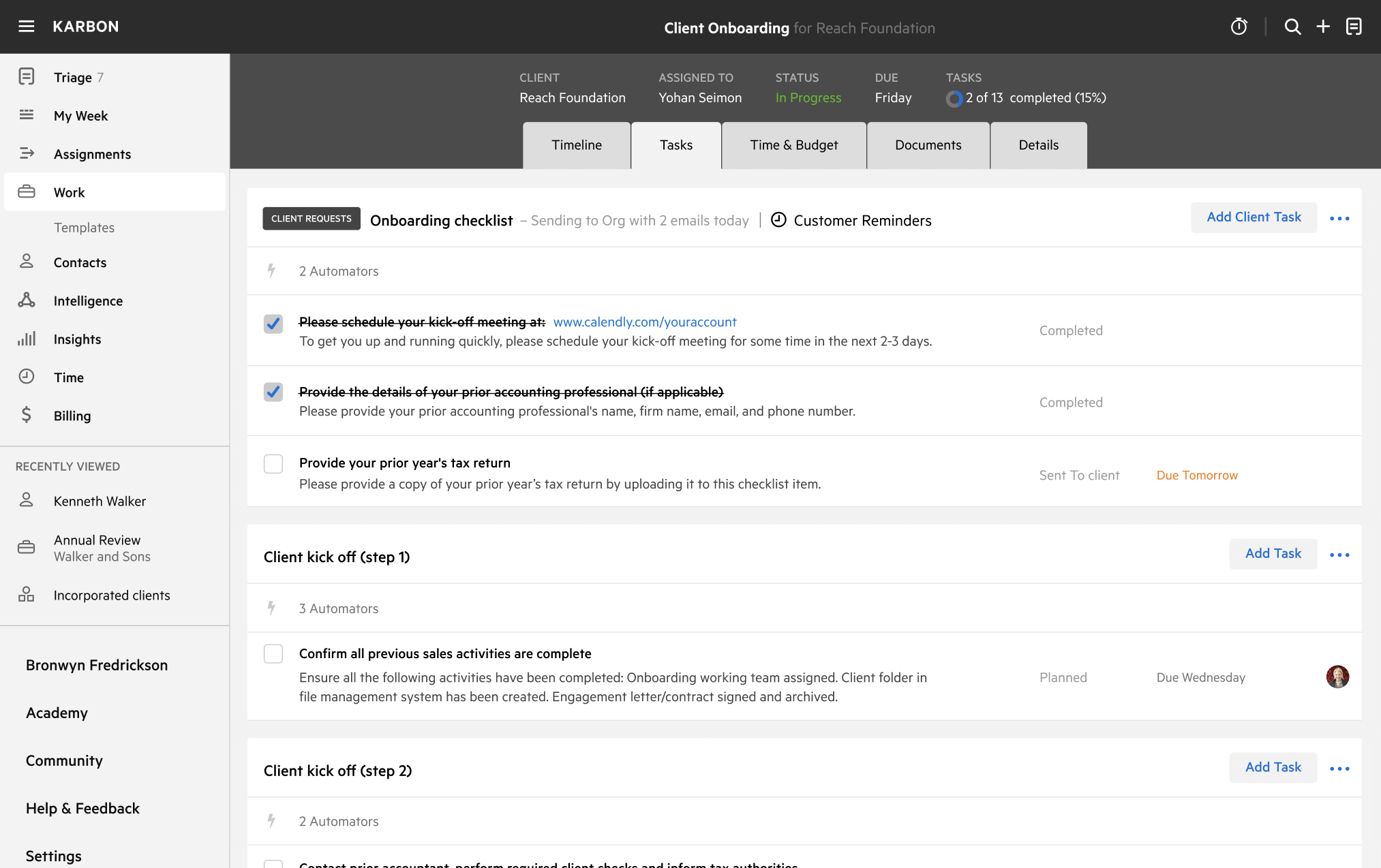
Get more out of this template by adding it to your Karbon Practice Management cloud-based software, including:
Alternatively, you can
.You can edit any saved template to fit your firm's specific needs. Before making changes, duplicate a pre-populated template by selecting it, clicking the "..." menu, and choosing Duplicate.
Common customizations:
Read the support article to learn more.
Float Cash Flow Forecasting is cash flow forecasting software that gives you the answers you need (and sometimes answers questions you didn’t know you had) with cash flow insights that combine your bills, invoices, and actuals with the budgets you set.
Other workflow templates you might find useful.
Created by Float Cash Flow Forecasting
Maximize your ongoing cash flow advisory services with this tried and tested workflow using Float.
Created by Float Cash Flow Forecasting
Increase your efficiency when converting your clients towards cash flow advisory services with this workflow.
Kick-start and then maintain your advisory services with your clients using this dedicated workflow.