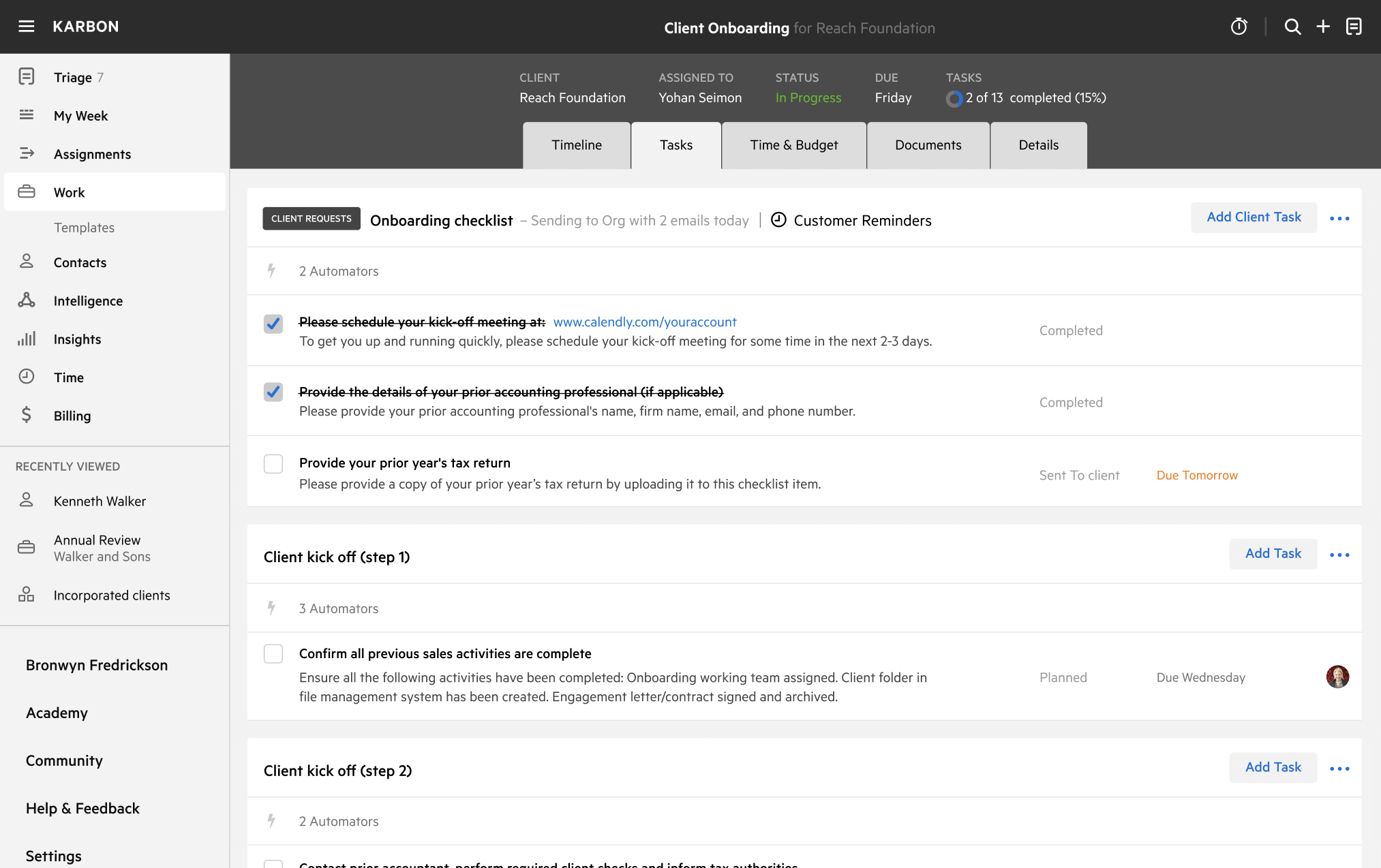
Advisory Meetings with Connect4 Template
Download your free Advisory Meetings with Connect4 template to personalize and use in your bookkeeping or accounting firm.
Added and downloaded 29 times
About this template
This template was designed by Connect4 for process of completing monthly or quarterly advisory meetings. Connect4 gives you and your team the structure you need to consistently deliver outstanding client meetings.
The work goes through the stages:
- Ready to start
- Preparation
- Advise
- Completed
The role involved in completing the work is the Client Manager, and the work stages and roles are both customizable.
The template includes best practice automation to ensure it is clear:
- Which tasks are ready to be worked on (i.e. task status)
- What the status of work is at any time (so you can get real-time work dashboards)
- Who is responsible for the work and tasks
- The priority of work and tasks
The start date for the work is 7 days before the month or quarter-end and the due date of the work is 14 days after the month or quarter-end.
How to use this template
Add this template to Karbon
Get more out of this template by adding it to your Karbon Practice Management cloud-based software, including:
- Time and Budget Estimates
- Task Automation
- Client Task Automation
- Client Work Scheduling
Alternatively, you can
.
How to customize a template
You can edit any saved template to fit your firm's specific needs. Before making changes, duplicate a pre-populated template by selecting it, clicking the "..." menu, and choosing Duplicate.
Common customizations:
- Reorder or nest tasks
- Add or remove tasks
- Edit the client task email
- Use or modify Tasklist automators
Read the support article to learn more.
About Connect4
Connect4 gives you and your team the structure you need to consistently deliver outstanding client meetings.